
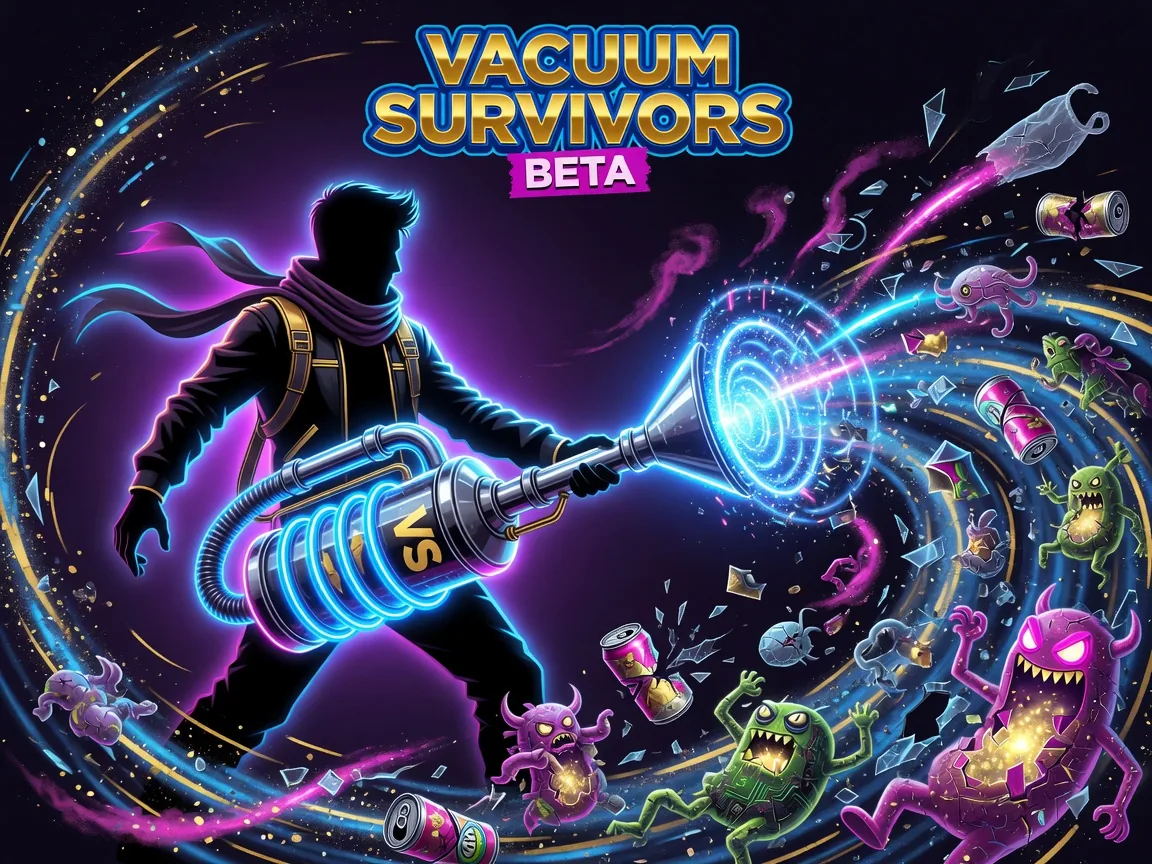
What is Vacuum Survivors Beta?
Vacuum Survivors Beta is a 2D top-down action / survivors-like (tags include roguelite, shoot ’em up, and bullet-hell flavor) by Red Macaroni. You fight hordes with auto-aim weapons while building a kit of guns, powerups, elements, and keystone combos. Core loop in one line: clear waves → gain levels and loot → refine two-weapon + powerup synergies → enter the next stage or boss until the run ends.
The itch listing is explicitly a beta: unstable builds for testing new features. A more stable path with cloud saving and medals is pointed at Newgrounds; Steam wishlist and Android exist as separate support/play options. Treat balance and features as living, not frozen.
Best for / skip if
- Best for: fans of Vampire Survivors–style auto combat who still want weapon swapping, a directional special move, multi-stage maps, boss fights, and deep powerup/weapon lists (the beta page advertises 100+ powerups, 60+ weapons, eight elements with upgrades).
- Skip if: you want precise manual aiming, a finished commercial campaign with fixed balance, or zero risk of beta bugs. Prefer the stable Newgrounds build if you care more about cloud save than bleeding-edge features.
Core loop
- Start a run and use the teleporter when the UI invites you into combat—that’s the “begin the slaughter” gate described on the store page.
- Move through waves of mobs that get stronger as stages progress. You don’t click to shoot; weapons fire with auto-aim while you stay alive with position and specials.
- Level up and loot: kills feed growth; you pick weapons, powerups, and elemental upgrades that stack into a build.
- Manage two weapon slots: swap between equipped weapons (there is a short attack cooldown after swaps so you can’t machine-gun swap forever).
- Hit side content when it appears: the page mentions minigame encounters that award extra rewards, and keystone combinations that push the build toward “unstoppable.”
- Climb maps and bosses: Map 1 is framed as 12 stages / 3 bosses; Map 2 as 8 stages / 2 bosses. Endless Mode randomizes stages and boss fights for longer sessions.
- Die or clear, then iterate with a different weapon/powerup path. Average session length is listed around half an hour—enough for a full map slice without needing a whole evening.
How to play (first session)
- Open the beta on itch.io in a desktop browser (HTML5/Unity Web). First load can be slow—stable-build notes mention waits up to ~30 seconds; give the player time to appear before refreshing.
- Skim the in-game controls/settings screen before the first teleporter. Open settings early and set enemy health bars/text and audio to levels you can read and tolerate during dense waves.
- Enter the teleporter to start combat. Treat the first waves as a movement tutorial: circle edges, cut through thin parts of the swarm, and never stand still when a ring closes.
- Let auto-aim work; focus on feet. Your job is pathing, spacing, and timing the special (directional dash-style move on Shift/Space), not lining up crosshairs.
- When you level or open a pick UI, choose a plan, not “whatever looks shiny.” Early: one clear primary weapon role (crowd clear *or* single-target poke) plus a powerup that multiplies that role. Mid-run: fill the second slot with something complementary (e.g. reload-heavy secondary if your main is always-on spray—dev notes discuss distinct weapon classes).
- Practice Q/E swaps on purpose. Swap when the active weapon is wrong for the pack (dense trash vs. tanky elite/boss). Respect the post-swap attack cooldown—spam-swapping is no longer free damage.
- Use the special as a defensive resource. Press Shift or Space while already holding a direction so the special moves you where you intend, out of choke points and boss telegraphs.
- Take minigame / reward events when the risk is low. Extra powerups and keystones compound; skipping them because you’re “in the zone” often leaves the late stages underbuilt.
- Track stages toward the first boss. On Map 1, the structure is many stages before boss pressure spikes—save panic specials and know which weapon is your boss tool before the arena tightens.
- After a death, note one concrete failure (overstacked same-role weapons, never used special, ignored second map, endless greed) and change one pick next run. Beta balance moves; your process should stay simple.
Controls
Bindings below match the Vacuum Survivors Beta itch.io listing. If a build remaps anything, trust the in-game controls screen.
- Move — WASD
- Special (directional mobility) — Shift or Space (move in a direction while pressing it)
- Swap weapons — E and Q
- Pause / settings — Escape
- Mobile move — Drag anywhere on the screen
- Mobile special — Orange on-screen button
- Mobile weapon swap — Tap weapon icons (bottom right)
- Tune UI/audio — Settings menu (enemy health bars/text, audio)
Tips that actually help
- Movement is the aiming system. Auto-aim means standing still still dies—kites, corners, and specials decide survival more than “finding the perfect gun” alone.
- Build for coverage, not max DPS on paper. One weapon that shreds packs and one that pressures elites/bosses beats two overlapping spray guns when stage count climbs.
- Swap with intent around the cooldown. After Q/E, expect a brief dead fire window; swap *before* a boss phase transition, not mid-telegraph.
- Special out of bad geometry. Walls and dense spawns punish greed; the special is for re-angling, not for “extra damage” if it doesn’t deal damage.
- Chase keystone and elemental synergy. Eight elements with multiple upgrades each imply stacking a theme (same element, same damage type, or pack-generation powerups) beats random rainbow picks.
- Use settings as a skill tool. Clear enemy HP bars help you prioritize elites; lower audio if gun loops mask telegraphs—both are called out as tunable on the page.
- Treat beta differently from stable. Expect rough edges on itch beta; if you want cloud save and medals, use the Newgrounds path the author links. Don’t assume meta builds from a week ago still dominate after a beta push.
- Endless is for mastery, maps are for learning. Clear Map 1 structure and boss patterns first; Endless’s randomized stages punish incomplete movement habits.
Common mistakes
- Standing still because auto-aim “does the work.” The game still floods the screen; static players melt.
- Ignoring the special until you’re already surrounded. Late specials often path into more bullets; early repositioning keeps options open.
- Rapid-swapping for free damage. Older abuse paths were patched with a swap cooldown—plan swaps instead of mashing.
- Picking only high-tier looking weapons. Dev notes have discussed lower-level weapons staying relevant via mechanics; a coherent low-tier kit can beat a mismatched “legendary” pile.
- Skipping settings, then complaining you can’t read fights. Health-bar and audio toggles exist for a reason.
- Expecting polished final-product balance on the beta page. Unstable builds will shift; tilt comes from treating every death as a personal failure instead of a test branch.
FAQ
Is Vacuum Survivors Beta free to play in the browser? Yes—HTML5 on itch.io (Unity-made). Load times can be long on first open.
What’s the difference between this beta and other versions? The beta is for unstable feature testing. The author points players who want cloud saving and medals to Newgrounds, and also lists Android and a Steam page for wishlist/support.
Do I need to aim with the mouse? No for primary combat: it’s described as an auto-aim horde shooter. Mouse still matters for UI and mobile-style taps where relevant; keyboard/touch handle movement and swaps.
How long is a session? The listing marks average session around half an hour—enough for a solid map segment or Endless push, depending on skill and luck.
What are keystones? Store copy frames keystones as combinable run pieces that help you become a “killing machine.” Prioritize combinations that reinforce your weapons/elements rather than collecting them as isolated trophies.
Is there multiplayer? Published tags and description present it as singleplayer horde action—no co-op claim on the beta page.
Can I play on phone? Yes via touch controls on the web build (drag to move, orange special, weapon icons), plus a linked Android store build if you prefer an app.
Ready to jump in? Play free on itch.io via the hub: /game/vacuum-survivors-beta.
**Is Vacuum Survivors Beta free to play in the browser?**
Yes—HTML5 on itch.io (Unity-made). Load times can be long on first open.
What’s the difference between this beta and other versions? The beta is for unstable feature testing. The author points players who want cloud saving and medals to Newgrounds, and also lists Android and a Steam page for wishlist/support.
Do I need to aim with the mouse? No for primary combat: it’s described as an auto-aim horde shooter. Mouse still matters for UI and mobile-style taps where relevant; keyboard/touch handle movement and swaps.
How long is a session? The listing marks average session around half an hour—enough for a solid map segment or Endless push, depending on skill and luck.
What are keystones? Store copy frames keystones as combinable run pieces that help you become a “killing machine.” Prioritize combinations that reinforce your weapons/elements rather than collecting them as isolated trophies.
Is there multiplayer? Published tags and description present it as singleplayer horde action—no co-op claim on the beta page.
Can I play on phone? Yes via touch controls on the web build (drag to move, orange special, weapon icons), plus a linked Android store build if you prefer an app.
Ready to jump in? Play free on itch.io via the hub: /game/vacuum-survivors-beta.