
Guide hub · Play on itch.io
Gloomdelve Idle
How to play Gloomdelve Idle — plus a free play button that opens itch.io.
Opens itch.io in a new tab. FreshArcade publishes guides only — we do not embed or rehost third-party game files.
What is Gloomdelve Idle?
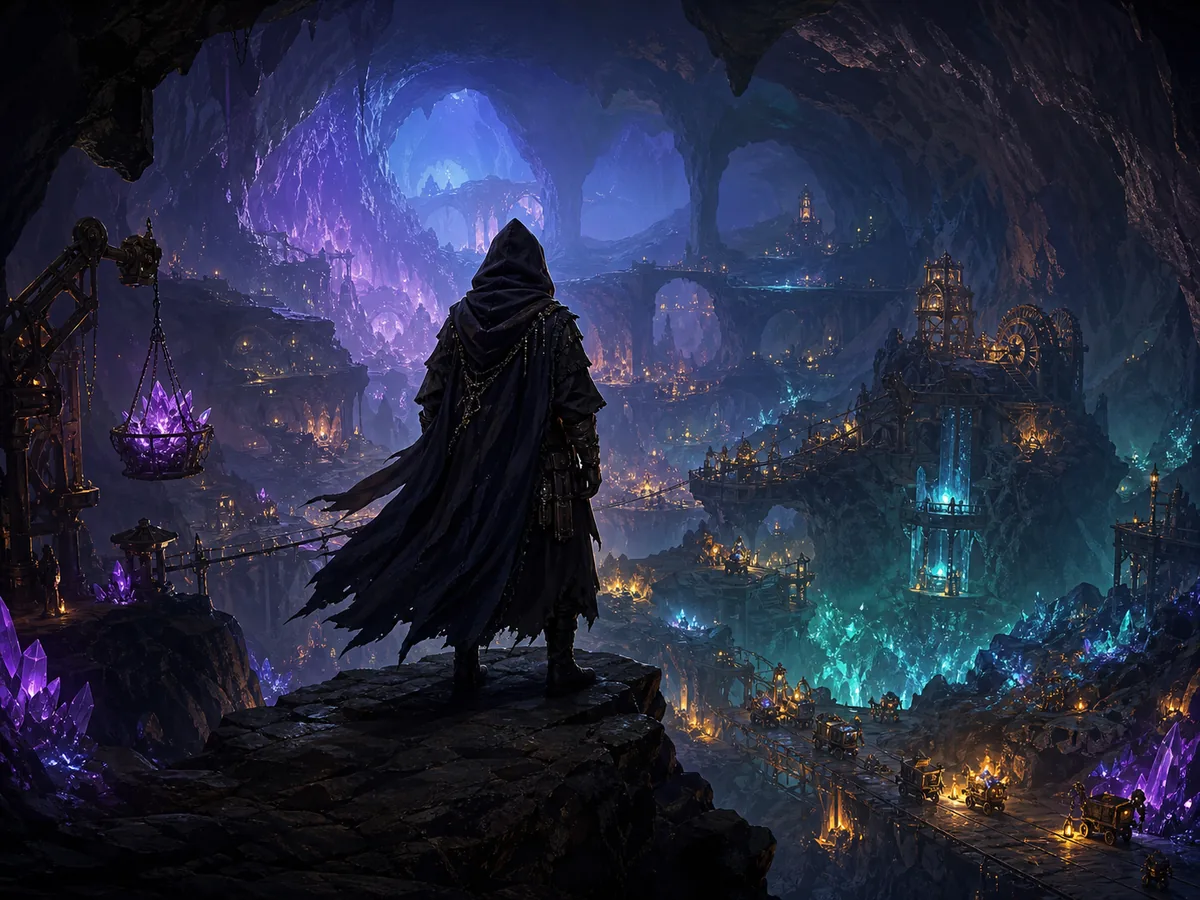
The [public itch.io page](https://tinysparkgames.itch.io/gloomdelve) lists the game as Gloomdelve, describes it as an Action dungeon crawler, and does not identify it as a conventional idle game. Its core loop is simple: explore each floor, gather everything useful, descend deeper, and reach the Gloomheart.
- Best for
- ** players who enjoy short fantasy dungeon runs, exploration, and discovering rules through play
- Skip if
- ** you specifically want a hands-off incremental game with confirmed offline progress or automated resource production
Controls
| Action | Input |
|---|---|
| Start the game | select Run game, then click inside the game frame. |
| Move and explore | use the binding shown on the opening screen or in-game instructions; no default movement keys are publicly confirmed. |
| Interact or collect loot | use the input displayed by the game when near an object, if a prompt appears. |
| Open menus | use visible interface buttons or the documented in-game binding. |
| Pause or resume | check the game menu; no keyboard shortcut is confirmed. |
| Release browser focus | click outside the game frame if you need to use the surrounding itch.io page. |
Quick tips
- Sweep each floor in a consistent direction. Following the left or right wall makes missed branches easier to notice.
- Verify every pickup through the interface instead of assuming that touching an object collected it.
- Investigate dead ends. In a three-floor dungeon, small side rooms are plausible places for optional loot.
- Read unfamiliar labels before selecting them, especially near the Gloomheart or a floor transition.
Ready to try Gloomdelve Idle?
Play on itch.io in a new tab — then use the full guide for strategy.
idle · Gloomdelve Idle
Gloomdelve Idle: Guide & Free Play Link
How to play Gloomdelve Idle — plus a free play button that opens itch.io.
At a glance
Gloomdelve Idle is best approached as a compact browser dungeon crawler: descend through three floors, collect loot, and ultimately awaken the Gloomheart. This guide covers the verified objective, a safe first-session routine, and practical advice for navigating an otherwise lightly documented game.
What is Gloomdelve Idle?
The public itch.io page lists the game as Gloomdelve, describes it as an Action dungeon crawler, and does not identify it as a conventional idle game. Its core loop is simple: explore each floor, gather everything useful, descend deeper, and reach the Gloomheart.
Best for / skip if
- Best for: players who enjoy short fantasy dungeon runs, exploration, and discovering rules through play.
- Skip if: you specifically want a hands-off incremental game with confirmed offline progress or automated resource production.
Core loop
Enter a floor, learn its layout, inspect rooms for loot, and work out how to reach the next level. Before descending, sweep any unexplored areas so you do not leave useful objects behind. Repeat this across three floors, then deal with the Gloomheart encounter that caps the run.
How to play (first session)
- Select Run game on itch.io and wait for the embedded game to finish loading.
- Click once inside the game window so your keyboard or mouse input goes to the game rather than the surrounding webpage.
- Check the opening screen, pause menu, and visible prompts for the current controls. Public listing information does not document exact bindings.
- Test one input at a time in the starting area. Confirm movement before approaching enemies, hazards, stairs, or important-looking objects.
- Explore the first floor methodically. Follow walls, check side rooms, and approach visible objects to see whether an interaction prompt or loot response appears.
- Watch the interface when collecting something. A changed counter, new inventory entry, altered equipment slot, or disappearing object confirms that the pickup registered.
- Search the remaining rooms before using the route downward. The stated objective is to loot the dungeon across three floors, so rushing ahead can undermine the run.
- Continue until you reach the Gloomheart. Treat any new prompt or choice there as significant and read it before committing.
Controls
- Start the game — select Run game, then click inside the game frame.
- Move and explore — use the binding shown on the opening screen or in-game instructions; no default movement keys are publicly confirmed.
- Interact or collect loot — use the input displayed by the game when near an object, if a prompt appears.
- Open menus — use visible interface buttons or the documented in-game binding.
- Pause or resume — check the game menu; no keyboard shortcut is confirmed.
- Release browser focus — click outside the game frame if you need to use the surrounding itch.io page.
Tips that actually help
- Sweep each floor in a consistent direction. Following the left or right wall makes missed branches easier to notice.
- Verify every pickup through the interface instead of assuming that touching an object collected it.
- Investigate dead ends. In a three-floor dungeon, small side rooms are plausible places for optional loot.
- Read unfamiliar labels before selecting them, especially near the Gloomheart or a floor transition.
- If movement stops responding, click inside the game frame again; browser focus may have shifted.
- Do not rely on unattended progress. The public description confirms active dungeon crawling, not offline accumulation.
- If the game exposes health, equipment, or consumables, review them before descending—the return route may not remain available.
Common mistakes
- Calling it an idle game and waiting for progress without confirming that any automation exists.
- Descending as soon as stairs or an exit appears.
- Pressing several unknown keys at once and losing track of what each input does.
- Assuming loot registered without checking for an interface or visual change.
- Refreshing the page before learning whether the current run is saved.
FAQ
Is Gloomdelve Idle actually an idle game? The current itch.io listing presents Gloomdelve as an Action dungeon crawler. No offline or automatic progression is publicly documented.
What is the objective? Delve through three floors, collect the dungeon’s loot, and wake the Gloomheart.
Can I play it in a browser? Yes. The itch.io listing marks it as playable in-browser.
What are the exact controls? The public listing does not specify them. Check the opening screen, pause menu, and contextual prompts inside the game.
Does it save automatically? Saving behavior is not documented publicly. Avoid closing or refreshing the page until the game visibly confirms a save.
How long is a run? No official completion time is listed. The fixed three-floor structure suggests a compact run, but exploration speed will affect the total.
Play Gloomdelve Idle free on itch.io via /game/gloomdelve-idle.
Play + deep guide
Gloomdelve Idle — free on itch.io
Jump to the host for a live session, or open the full editorial how-to for strategy and FAQ.
Deep dive article
How to Play Gloomdelve Idle: Tips, Controls & Strategy
Learn how to play Gloomdelve Idle: core loop, first-session walkthrough, practical tips, and common mistakes.
Similar games
More idle guides
 idleFree
Incremental Cultivation Simulator
How to play Incremental Cultivation Simulator — plus a free play button that opens itch.io.
itch.io
 idleFree
backrooms idle
How to play backrooms idle — plus a free play button that opens itch.io.
itch.io
 idleFree
Ant Colony Incremental Simulation
Observe, expand, and improve an underground ant mining colony.
itch.io
 idleFree
Idle Torrent
A finishable retro incremental run themed around torrent downloads.
itch.io
 idleFree
Harbor Tycoon
How to play Harbor Tycoon, strategy tips, and a free play button that opens CrazyGames in a new tab.
CrazyGames
 idleFree
Idle Clicker
How to play Idle Clicker, strategy tips, and a free play button that opens CrazyGames in a new tab.
CrazyGames