

Guide hub · Play on itch.io
Incremental Cultivation Simulator
How to play Incremental Cultivation Simulator — plus a free play button that opens itch.io.
Opens itch.io in a new tab. FreshArcade publishes guides only — we do not embed or rehost third-party game files.
What is Incremental Cultivation Simulator?
It is an HTML5 incremental/simulation game (Godot, prototype status) where you cultivate power through resources, upgrades, skills, adventure, and light combat. The core fantasy is classic xianxia: climb realms while jealous cousins, two-faced “friends,” and other clan pests block the road. One-line loop: gather knowledge, qi, and materials → spend them on skills and upgrades → clear mini-games and adventure beats → get strong enough to push past the next relative who wants you gone.
- Best for
- **Best for** — Fans of early-access incrementals who enjoy pacing features one at a time, short skill mini-games, and clan-drama flavor over polished systems.
- Skip if
- **Skip if** — You want finished balance, deep offline AFK, or a finished combat RPG; this build is still tuning speed, adventure, and upgrades.
Controls
| Action | Input |
|---|---|
| Run game | itch.io page “Run game” (browser HTML5). |
| Inspect skill / upgrade | hover left-panel entries for tooltips (post–Update 0.1). |
| Buy / upgrade | click purchase buttons in the UI (exact layout may shift between prototypes). |
| Mini-game input | on-screen prompts for the active task (e.g. letter pacing); follow in-game instructions rather than assuming fixed keys. |
| Adventure / combat actions | UI buttons shown when those modes unlock. |
| Save backup | Settings → Manage Save → export / import. |
| Autosave | automatic every few seconds and when you buy something (no separate hotkey required). |
Quick tips
- Treat materials as the real ceiling. Knowledge can feel free early; materials fund almost everything — stockpile before multi-step upgrade chains.
- Spend knowledge first to open options, then balance qi and materials so you do not unlock a skill you cannot fuel.
- Hover every new left-panel entry once. Early builds shipped thin descriptions; tooltips are the real manual.
- In letter-style mini-games, experiment with slower, deliberate play if payout scales with care rather than spam.
Ready to try Incremental Cultivation Simulator?
Play on itch.io in a new tab — then use the full guide for strategy.
idle · Incremental Cultivation Simulator
Incremental Cultivation Simulator: Guide & Free Play Link
How to play Incremental Cultivation Simulator — plus a free play button that opens itch.io.
What is Incremental Cultivation Simulator?
It is an HTML5 incremental/simulation game (Godot, prototype status) where you cultivate power through resources, upgrades, skills, adventure, and light combat. The core fantasy is classic xianxia: climb realms while jealous cousins, two-faced “friends,” and other clan pests block the road. One-line loop: gather knowledge, qi, and materials → spend them on skills and upgrades → clear mini-games and adventure beats → get strong enough to push past the next relative who wants you gone.
Best for / skip if
- Best for — Fans of early-access incrementals who enjoy pacing features one at a time, short skill mini-games, and clan-drama flavor over polished systems.
- Skip if — You want finished balance, deep offline AFK, or a finished combat RPG; this build is still tuning speed, adventure, and upgrades.
Core loop
Earn three main currencies players talk about most: knowledge (usually the fastest), qi (gets stingier as you advance), and materials (the long pole that everything seems to need). Spend them into left-panel skills and upgrades. Use mini-games (for example letter writing) and adventure/combat when they unlock. Grow strong enough to face the next clan antagonist. Autosave runs in the background; progress lives in the browser unless you export a backup.
How to play (first session)
- Open the game on itch.io and run the HTML5 build in the page player (or download if you prefer offline).
- Read the left panel first. Hover icons after Update 0.1 — tooltips explain skills before you dump resources.
- Start with whatever earns knowledge quickly so early skills unlock without starving other bars.
- Keep an eye on materials from the first big spend. If a upgrade list eats materials everywhere, bank them instead of impulsively maxing one branch.
- Try each mini-game once. Letter-style tasks often reward patience: rushing can lower the payout per attempt.
- When adventure or combat appears, treat early fights as checks, not a rush. Developers have said combat and adventure still need work — retreat and farm if a wall appears.
- After your first real upgrade spree, open Settings → Manage Save, export a backup, and keep the file somewhere safe.
- Push until you meet the first clan roadblock (jealous peer, uncle, patriarch-type, etc.). Note which resource or skill was the bottleneck for next session.
Controls
- Run game — itch.io page “Run game” (browser HTML5).
- Inspect skill / upgrade — hover left-panel entries for tooltips (post–Update 0.1).
- Buy / upgrade — click purchase buttons in the UI (exact layout may shift between prototypes).
- Mini-game input — on-screen prompts for the active task (e.g. letter pacing); follow in-game instructions rather than assuming fixed keys.
- Adventure / combat actions — UI buttons shown when those modes unlock.
- Save backup — Settings → Manage Save → export / import.
- Autosave — automatic every few seconds and when you buy something (no separate hotkey required).
Tips that actually help
- Treat materials as the real ceiling. Knowledge can feel free early; materials fund almost everything — stockpile before multi-step upgrade chains.
- Spend knowledge first to open options, then balance qi and materials so you do not unlock a skill you cannot fuel.
- Hover every new left-panel entry once. Early builds shipped thin descriptions; tooltips are the real manual.
- In letter-style mini-games, experiment with slower, deliberate play if payout scales with care rather than spam.
- Do not assume classic idle “close tab and triple overnight.” This is an active incremental prototype; check what keeps running when you tab away.
- Export a save after any long session. Browser storage can vanish after clear-data, private mode, or a different browser.
- When a clan enemy feels unfair, farm materials and skills rather than only spamming adventure — balance is still moving.
- Leave feedback on itch if pacing feels broken; the team has been iterating from comments (autosave, tooltips, planned adventure overhaul).
Common mistakes
- Dumping every resource into the first shiny skill and discovering materials cannot support the next three upgrades.
- Ignoring tooltips and guessing what left-panel skills do.
- Treating the prototype like a finished idle game with perfect offline progress.
- Closing the tab for days without an exported save, then losing a long grind.
- Forcing adventure/combat walls instead of fixing the resource bottleneck that caused them.
- Expecting full sound, final balance, and complete antagonist roster on day one — it is labeled a very early build.
FAQ
Is Incremental Cultivation Simulator free? Yes. Play the HTML5 build on the creator’s itch.io page; optional donate support exists on the same page.
Do I need to download anything? No for the browser version. A zip also exists if you want a local copy of the current build.
Does it save automatically? As of Update 0.1: yes — every few seconds and when you buy. Still export from Manage Save so a browser wipe does not erase progress.
What are knowledge, qi, and materials for? They are the main progression fuels. Knowledge tends to come easiest; qi tightens as you climb; materials are the multi-use bottleneck players report most.
Is this a full xianxia RPG? No. It is an incremental simulator with cultivation fantasy, mini-games, adventure, and light combat layered on resource growth — not a complete open-world sect sim.
Why does combat or adventure feel rough? Prototype scope. The team has publicly said adventure, upgrades, and combat are targets for overhaul; expect tuning between updates.
Ready to cultivate past the family blockade? Play free on itch.io via /game/incremental-cultivation-simulator.
Play + deep guide
Incremental Cultivation Simulator — free on itch.io
Jump to the host for a live session, or open the full editorial how-to for strategy and FAQ.
Deep dive article
How to Play Incremental Cultivation Simulator: Tips, Controls & Strategy
Learn how to play Incremental Cultivation Simulator: core loop, first-session walkthrough, practical tips, and common mistakes.
Similar games
More idle guides
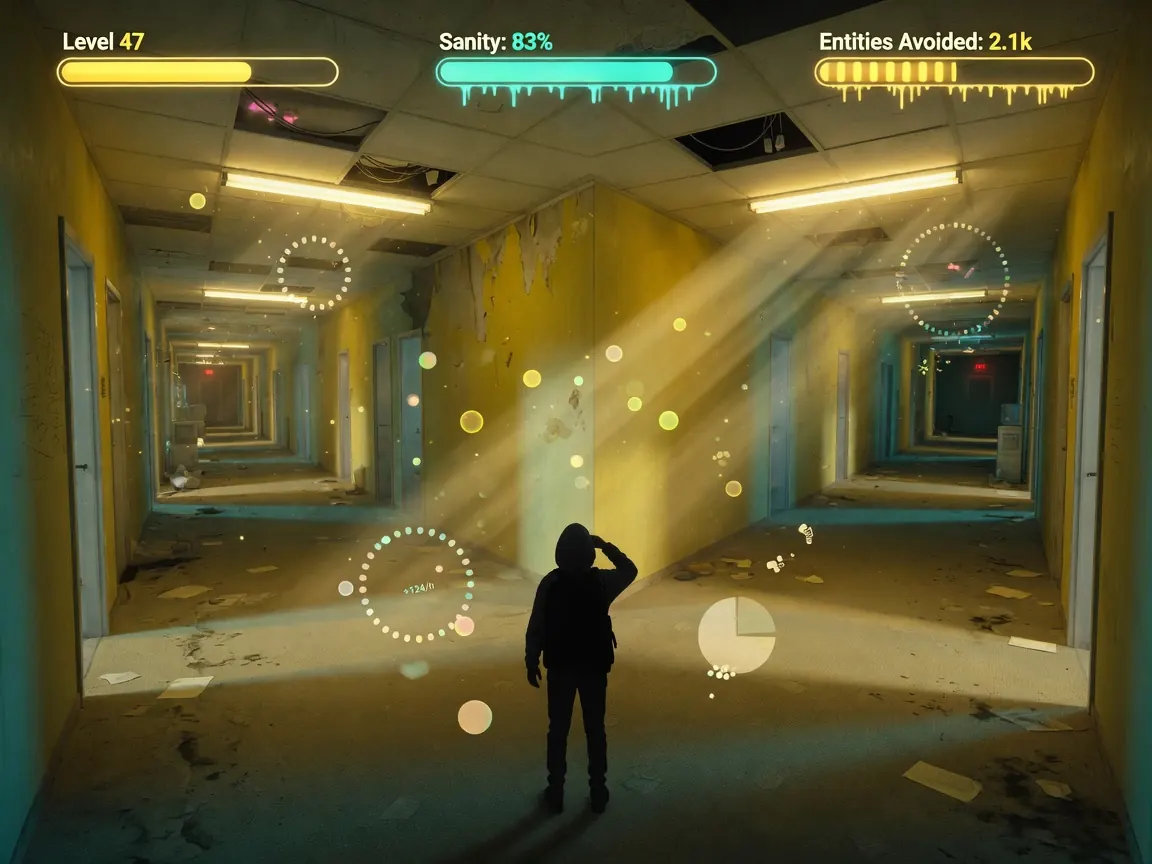 idleFree
backrooms idle
How to play backrooms idle — plus a free play button that opens itch.io.
itch.io
 idleFree
Harbor Tycoon
How to play Harbor Tycoon, strategy tips, and a free play button that opens CrazyGames in a new tab.
CrazyGames
 idleFree
Idle Clicker
How to play Idle Clicker, strategy tips, and a free play button that opens CrazyGames in a new tab.
CrazyGames
 newFree
Allele Devil's Hand
How to play Allele Devil's Hand — plus a free play button that opens itch.io.
itch.io
 newFree
Death Spiral
How to play Death Spiral — plus a free play button that opens itch.io.
itch.io
 newFree
Dig Dan Dig!
How to play Dig Dan Dig! — plus a free play button that opens itch.io.
itch.io