
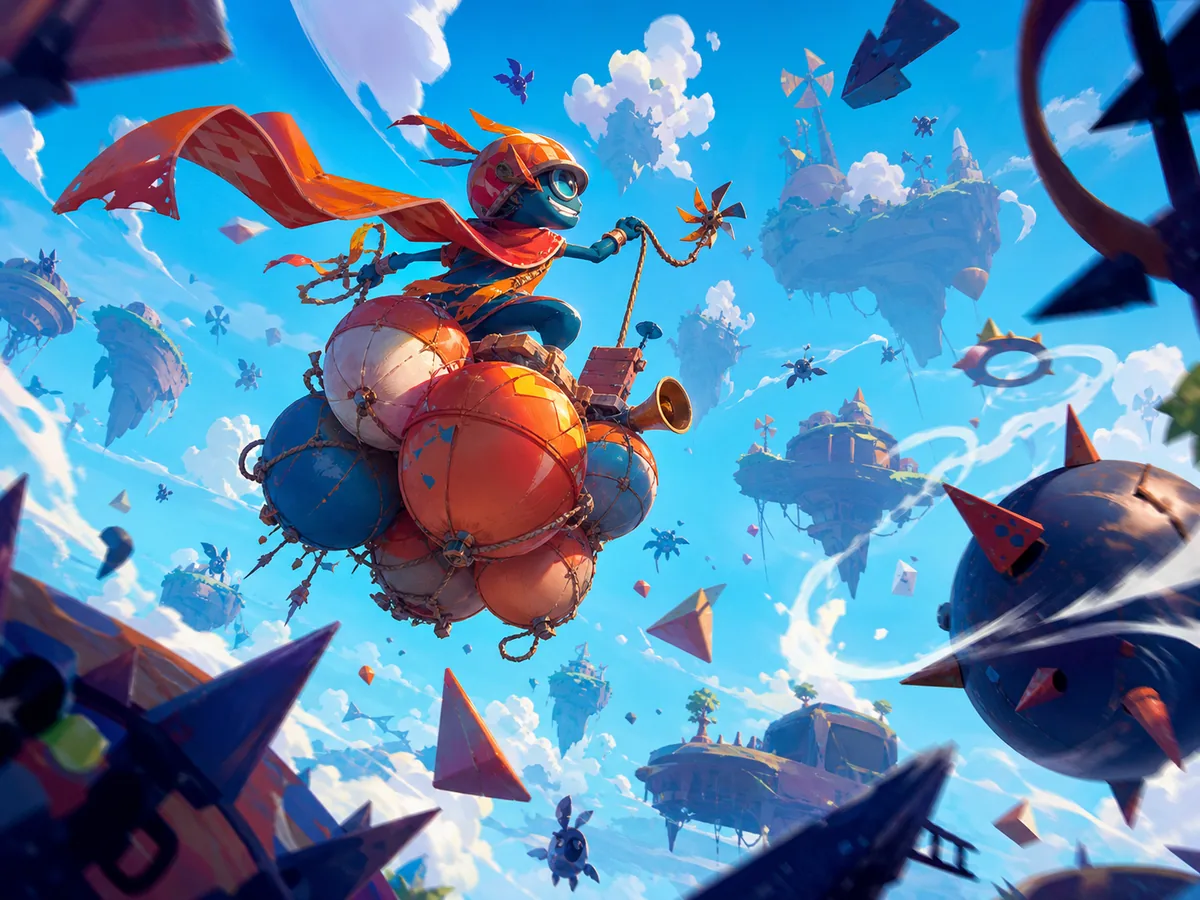
What is Float for Brainrots?
Float for Brainrots is a 3D ocean adventure that combines arcade movement, collecting, survival, and light progression. The fantasy is simple: begin as an under-equipped scavenger, build a valuable Brainrot collection, and gradually replace your basic raft with boats capable of reaching the richest parts of the sea. Each trip follows one crucial loop—leave base, collect what you can carry, use islands to stay safe, and bank the cargo before the timer exposes you to a shark attack.
The game includes 85 Brainrots across seven rarity classes: Common, Rare, Epic, Legendary, Mythic, Brainrot God, and Secret. More valuable discoveries appear farther from your starting area, so completing the collection depends on improving your range rather than endlessly searching the safest water.
Best for / skip if
- Best for — players who like collectible hunts, quick upgrade decisions, escalating risk, and sharing one keyboard in local two-player mode.
- Skip if — you want a story-driven adventure, complex boat simulation, or online matchmaking; the emphasis here is repeated collection runs and progression.
Core loop
A run begins at your base, where your secured collection and upgrade options are located. You board your current raft or boat, move out across the water, and search for floating Brainrots. Nearby finds are generally safer and more common, while distant areas contain better rarity classes.
Every boat limits how long you can remain exposed on the water. Collecting one more item is useful only if you can still reach an island or return to base before that carrying timer expires. Safe islands reset the timer, letting you divide a long expedition into manageable legs. If the timer reaches zero while you remain at sea, sharks attack and you lose the Brainrots carried on that trip.
Returning the cargo to base converts a risky load into permanent progress. Secured Brainrots help produce rewards, while Money and Tickets support boat unlocks, upgrades, and cosmetic customization. Speed lets you cover a route more quickly; capacity lets you bring back more per trip; stronger boats extend the practical distance you can explore.
The cycle then repeats:
- Choose a reachable destination.
- Sail out and collect a sensible load.
- Watch the timer rather than the scenery.
- Stop at an island if the return journey is too long.
- Deliver the cargo to base.
- Spend rewards on the upgrade that removes your current bottleneck.
- Attempt a longer or more profitable route.
How to play (first session)
- Let the game finish loading and select a mode. Start with the solo option while learning the interface. Local two-player mode is available on desktop, but fitting two control sets onto one keyboard makes the first few minutes busier.
- Test movement beside the base. Use WASD on desktop or the left virtual joystick on mobile. Confirm that you can turn cleanly, sprint, and stop where intended before committing to the water.
- Locate your starter raft. Walk toward the raft and use the interact command when the prompt appears. On desktop, Player 1 interacts with E; on mobile, use the hand button. The same interaction command is used around other actionable objects and stations.
- Make the first trip deliberately short. Remain in the water nearest your base and collect nearby Common Brainrots. This is a practice run, so do not sail toward the horizon just because the boat still has empty capacity.
- Watch the carrying timer. Identify where it appears on the interface and note how quickly it falls. Your real deadline is not the instant you collect an item—it is the time required to carry that item back to safety.
- Return with time in reserve. Turn toward base well before the counter reaches zero. Deliver or place the collected Brainrots where the game indicates, using the interact command when required. Check that the cargo is no longer shown as being carried and that your Money, Tickets, or collection progress changes. That confirms the run was banked successfully.
- Inspect the upgrade area. Compare speed and carrying capacity rather than buying blindly. Speed is usually the stronger first improvement because it helps both halves of every voyage: reaching the collectibles and escaping with them. Capacity becomes more valuable once you regularly fill the boat and still return safely.
- Plan a second route through an island. Sail toward a visible safe island and pay attention when the timer resets. Do not leave immediately without checking the counter; confirming the reset teaches you how islands extend exploration range.
- Push one segment farther. From the island, search the next band of water for a better Brainrot, then return by the same safe route. Treat every island as a checkpoint in a route, not as proof that the entire ocean beyond it is safe.
- Bank valuable finds instead of filling every slot. A partly filled boat containing a new or high-rarity Brainrot is already a successful run. Return it to base rather than risking the discovery for one additional Common item.
- Repeat until the starter route feels routine. Once you can reach an island, collect, and return without a late scramble, begin saving for a better boat. New boats improve the kind of route you can attempt, while cosmetic purchases change appearance without solving a range or capacity problem.
- Try local two-player mode after learning the economy. Player 2 uses a separate keyboard layout. Agree on when to retreat and which items are worth collecting; otherwise, one player may push outward while the other is already trying to save the load.
Controls
Desktop — Player 1
- Move — WASD
- Jump — Space
- Sprint — Left Shift
- Interact — E
- Rebirth — T
- Upgrade Brainrot — Q
- Activate the advertised auto-collect power-up — Z
Desktop — Player 2
- Move — Arrow keys
- Jump — L
- Sprint — K
- Interact — O
- Rebirth — Y
- Upgrade Brainrot — U
- Activate the advertised auto-collect power-up — M
Mobile
- Move — Left on-screen joystick
- Jump — Jump button
- Sprint — Sprint button
- Interact — Hand button
- Use menus and upgrade screens — Tap the relevant interface control
Rebirth and Brainrot upgrades can affect long-term progress, so read the on-screen description before pressing their shortcuts. The auto-collect shortcut is tied to an optional ad-supported power-up rather than ordinary movement or collection.
Tips that actually help
- Measure routes in timer segments. Instead of thinking “that collectible looks close,” think “base to island, island to item, item back to island.” A distant object may be safe when approached through checkpoints and impossible on a direct round trip.
- Set a retreat threshold before leaving safety. Watch how much time a familiar base-to-island crossing consumes. Use that result to choose a conservative turn-back point, then add extra time for steering errors and interactions. A planned threshold is more reliable than deciding under pressure.
- Prioritize speed until capacity becomes the obvious constraint. Speed reduces exposure, makes island connections easier, and increases the number of trips possible in the same play period. Buy capacity when you are repeatedly reaching base with a full load and substantial time remaining.
- Protect new discoveries immediately. If you collect a Brainrot not already represented in your secured collection—or one from a noticeably higher rarity class—change the objective from “find more” to “get this home.” Losing five replaceable Commons hurts less than losing the first rare find from a new region.
- Use islands before the timer becomes critical. An island is most useful when reached with enough time to correct a missed landing or awkward approach. Waiting until the final seconds turns a dependable reset point into a gamble.
- Learn one profitable route at a time. Repeating a base–island–collection path reveals its true travel cost and where Brainrots tend to appear. Once that route is dependable, extend it by one checkpoint. Random wandering makes it harder to judge whether a new boat or upgrade actually improved your range.
- Leave low-value cargo behind when the hold matters. Capacity is limited. On longer expeditions, filling every slot near base can prevent you from taking a rarer Brainrot found later. Keep space available when your goal is discovery rather than immediate cash flow.
- Spend Tickets with an objective. Character cosmetics include items such as hats, glasses, wings, backpacks, and mascots, but appearance does not rescue an underpowered route. If progression is your priority, check boat and upgrade costs before using Tickets on customization.
Common mistakes
- Treating the timer as collection time rather than return time. Reaching a Brainrot with seconds left is not success. The cargo counts only after it reaches safety.
- Assuming an empty cargo slot must be filled. Capacity is a ceiling, not a target. A safe half-load advances the collection; an overloaded run lost to sharks produces nothing.
- Sailing past an island without resetting. If a safe point is already on your route, use it and verify that the counter refreshed. Skipping a free reset adds risk without improving the cargo.
- Buying capacity when the boat cannot reach better water. Extra slots do little if travel time forces an early retreat. Diagnose whether speed, range, or storage is actually stopping progress.
- Spending every reward immediately. Small purchases can delay the next boat, which may be the upgrade that opens a whole new rarity region. Check the unlock prices before emptying your balance.
- Testing an unfamiliar long route with valuable cargo aboard. Scout the island spacing and travel time with a disposable load first. Once you know the path works, use it for serious collecting.
- Pressing rebirth or upgrade shortcuts without reading the prompt. These keys sit close enough to normal movement controls to be hit accidentally. Pause and check any confirmation screen before committing resources or progression.
- Failing to coordinate in two-player mode. Local partners share the expedition’s risk even if they notice different collectibles. Decide who watches the timer and call the retreat early.
FAQ
What is the main objective?
Collect Brainrots from the ocean and return them safely to your base. Secured finds build your collection and generate the resources needed for stronger boats, useful upgrades, and customization.
What happens when the boat timer reaches zero?
Sharks attack while you are exposed on the water, and the Brainrots carried on that expedition are lost. Previously secured items at the base are not the cargo currently at risk.
How do I find rarer Brainrots?
Travel farther from the starting base. Faster movement, stronger boats, and planned island stops make the distant rarity zones reachable without exhausting the timer.
What do islands do?
Islands are safe zones that reset the carrying timer. They function as intermediate checkpoints, allowing a journey to be broken into several shorter crossings.
Should I upgrade speed or carrying capacity first?
Choose speed if the timer forces you to turn around before reaching good collecting areas. Choose capacity if you consistently fill the boat and return with plenty of time. Early in the game, speed is usually the more flexible investment.
Can two people play together?
Yes. The desktop version supports local two-player play on one keyboard. Player 1 uses WASD and Player 2 uses the arrow keys, with separate interaction, sprint, jump, upgrade, and rebirth buttons.
Ready to test a route? Play Float for Brainrots free on CrazyGames.