
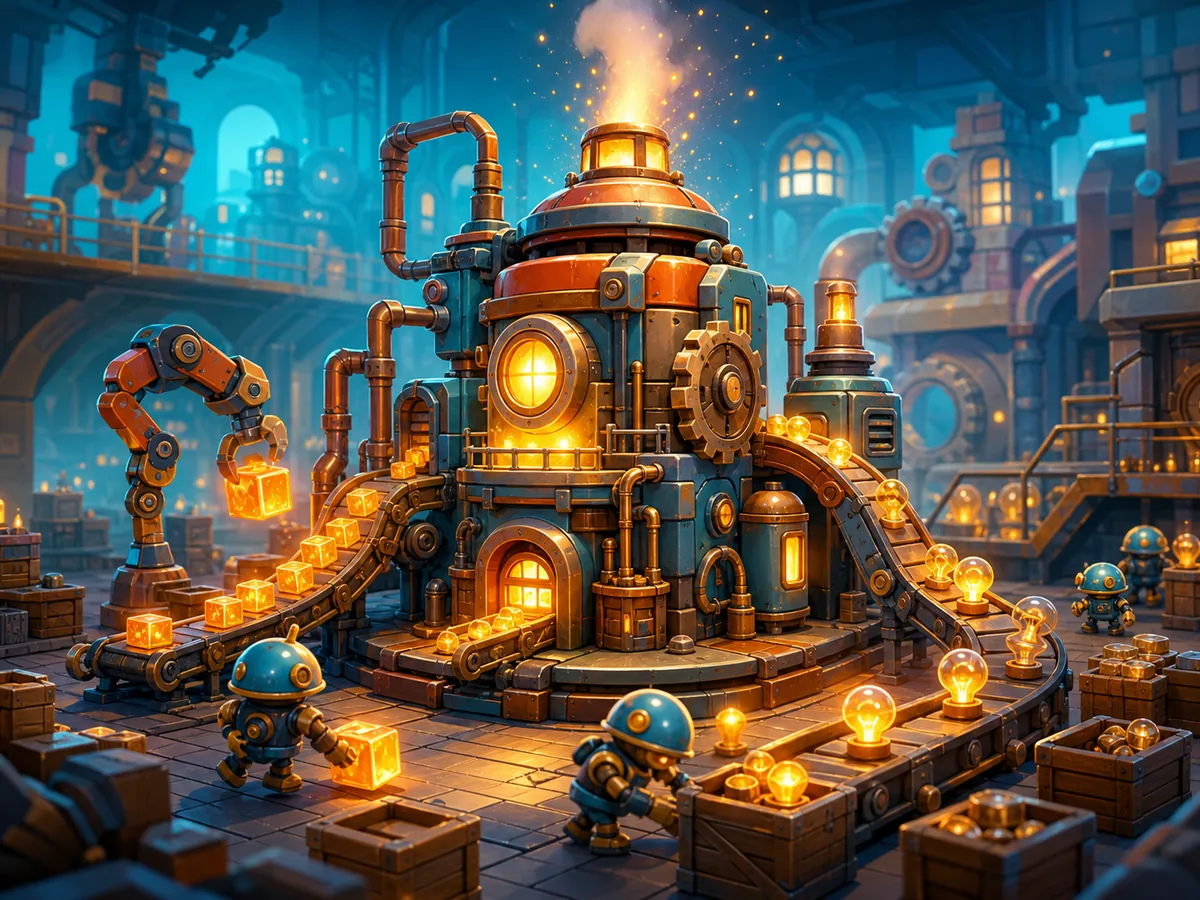
What is Tiny Factory?
Tiny Factory is a compact factory-building and automation game designed to make the genre approachable. You place or connect machines, let the line produce value automatically, then spend the resulting income on technology and expansion. The central fantasy is simple: turn an empty floor into a small, self-running industrial network.
This guide refers to Loominest’s free browser version of Tiny Factory. Several unrelated itch.io projects share the same title, so their conveyor puzzles and control schemes do not apply here.
Best for / skip if
- Best for — players who like calm automation, visible production chains, incremental progress, and improving a layout one connection at a time.
- Skip if — you want combat, rapid reflex challenges, or full mobile support; the developer currently describes this version as intended for PC.
Core loop
The practical cycle is:
- Choose an available production machine.
- Place it where there is room to extend the line.
- Connect its output to the correct input on another machine.
- Watch the line operate and confirm that money increases.
- Find the slow, disconnected, or blocked part of the chain.
- Add capacity or reorganize the layout when the game permits it.
- Spend earnings on available technology.
- Use the newly unlocked options to create a larger or more productive network.
Tiny Factory is about making a system that continues working after you stop touching it. A machine sitting on the floor is not necessarily useful: it needs a valid input, a valid destination for its output, and enough capacity elsewhere in the chain.
How to play (first session)
- Launch the browser build on a desktop or laptop. If itch.io presents a large game frame, use its fullscreen button if the interface feels cramped. The current version is intended for PC, and mobile input may prevent you from completing even the opening setup.
- Complete the opening prompt. If the game asks for a factory or save name, click the text field, type a name, and confirm with the visible button. If typing does nothing on a phone or tablet, switch to a computer rather than assuming the game has frozen.
- Study the starting workspace before buying anything. Identify the build area, the money display, the machine or build menu, and any technology panel. Also look for connection points on machines: automation games commonly distinguish inputs from outputs through position, color, arrows, or small ports.
- Select the simplest available machine. Start with whatever the opening instructions highlight or whatever forms the beginning of the basic production chain. Do not buy several copies immediately; first learn how selection, placement, and cancellation work.
- Place the machine with space around it. Leave a clear side or lane where another machine can connect. A tightly packed first building may function, but it can make the next connection awkward or force an early rebuild.
- Add the next stage of production. Choose the machine indicated by the tutorial or the simplest compatible destination. Place it near the first machine, but avoid overlapping ports or hiding connection indicators.
- Connect the two machines. Use the visible connection handle, output marker, or connect tool. Begin at the producing machine and finish at the receiving machine unless the on-screen prompt demonstrates the reverse. A successful link should remain visible or cause the machines to begin processing.
- Verify the line instead of immediately expanding. Watch for movement, animation, a production indicator, or a changing money total. If nothing happens, inspect the chain from its first machine forward: confirm that every stage has an input, an output destination, and a valid connection.
- Wait for the first earnings. The point of the opening line is to establish automatic income. Let it run long enough to understand the production rhythm and determine which stage spends the most time waiting.
- Open the technology interface when you can afford an unlock. Read what is actually available before committing your money. Early unlocks are most useful when they solve a current limitation—such as missing production options or insufficient throughput—rather than merely adding another object to an unfinished chain.
- Expand one stage at a time. Add a machine or connection, then observe the result. If the income rate improves and every stage continues cycling, the change worked. If products or progress stop at one machine, undo or adjust the newest part before making the layout more complicated.
- Reorganize when the floor becomes difficult to read. Keep related machines together and preserve room for future connections. A clear factory is easier to diagnose than a compact tangle, even if both occupy a similar amount of space.
Controls
The public listing does not currently publish a complete keyboard-binding sheet, so use the labeled interface controls and opening prompts rather than assuming familiar factory-game shortcuts.
- Select a machine or menu option — left-click its icon or labeled button.
- Place a selected machine — left-click a valid position in the factory workspace and confirm if a placement prompt appears.
- Connect machines — use the visible port, connection handle, or connect command shown by the interface; follow any highlighted input and output markers.
- Select an existing machine — left-click the machine to inspect its status or available actions.
- Cancel the current action — use the visible cancel or back control; check the on-screen prompt for an indicated mouse button or key.
- Open technology options — click the technology, research, or unlock control shown in the game UI.
- Navigate menus — left-click tabs, buttons, and confirmation controls.
- Enter a factory or save name — click the text field, type with a physical keyboard, and use the displayed confirmation button.
- Fullscreen the browser game — use the fullscreen control around the itch.io game frame, if available.
Treat any shortcut displayed inside the game as authoritative, since a new browser release may change bindings before external instructions are updated.
Tips that actually help
- Prove one complete route before building a second one. Your first milestone is not owning several machines; it is seeing a connected line operate and the money counter rise. That gives you a known-good pattern to copy when the factory expands.
- Trace failures in production order. Start at the first producer and inspect each connection until you reach the first idle stage. The earliest break is usually the real problem. Machines farther down the route may be idle simply because nothing reaches them.
- Use visible activity to separate supply problems from output problems. A machine that never starts may lack input. One that completes a cycle but cannot continue may have nowhere to send its result or may be feeding a slower destination. Those situations look similar from a distance but require different fixes.
- Keep connection points exposed. Leave some open space beside machine ports instead of placing every object edge-to-edge. Readable gaps make it easier to select the intended connection and reduce accidental links when the factory grows.
- Change only one uncertain part at a time. Add one machine, create one connection, and then observe. If you place an entire network before testing it, a single incorrect link can be buried beneath several dependent failures.
- Buy technology for a reason. Before unlocking something, name the problem it should solve: a missing processing step, slow production, limited routing, or lack of expansion options. If you cannot connect the unlock to a current need, letting the existing line earn more money may be the better choice.
- Judge improvements by completed output, not machine count. More buildings can consume money without increasing useful production. After an expansion, check whether the income counter rises more quickly and whether the line spends less time waiting.
- Design for the next connection. When placing a machine, imagine where its supplier and destination will go. A little unused floor space around the current line is valuable because it prevents expensive or confusing rearrangement later.
Common mistakes
- Placing machines without connecting them. Ownership alone does not create income. Look for a persistent link or visible production activity.
- Connecting the wrong sides. Two nearby machines may still fail if output is linked to output or if a destination cannot accept that stage of production.
- Expanding before income begins. If the first route is incomplete, adding more machines multiplies the number of possible faults.
- Spending every earning immediately. Saving for a relevant technology can be more useful than filling the floor with copies of an existing machine.
- Packing the layout too tightly. Dense placement makes ports difficult to see and leaves no clean route for later connections.
- Assuming every idle machine needs an upgrade. Check its supply and destination first. An idle machine may be starved or disconnected rather than too slow.
- Testing the current build on mobile. The developer has said the game is intended for PC, and touchscreen players have reported trouble entering the required opening text.
- Using instructions for another game named Tiny Factory. If a guide discusses rotating conveyor arrows, cleanup tokens, underground belts, or approving and rejecting items with two buttons, it covers a different itch.io release.
FAQ
Is Tiny Factory an idle game?
It has an automatic-income element: once connected, the factory continues producing without a click for every item. The active play comes from placing machines, connecting the system, choosing technology, and improving the layout.
How do I know whether a connection works?
Look for a lasting connection line or port state, machine animation, items or progress moving through the chain, and an increasing money total. If none of those change, inspect the route from its first machine onward.
Why is my machine doing nothing?
Check three things in order: whether it receives the required input, whether the connection reaches the correct port, and whether its finished output has somewhere valid to go. Also verify that the machine is not merely waiting for an earlier stage to complete.
What should I unlock first?
Choose the technology that removes the limitation you can already see. A useful first unlock should complete a required production step, improve a proven bottleneck, or make the next expansion possible. Avoid choosing solely because an option is newly available.
Can I play Tiny Factory on a phone?
The browser page may load, but the current release is intended for PC. Mobile players have reported being unable to type the opening factory name or navigate back reliably, so use a desktop or laptop with a physical keyboard and mouse.
Is there a fail state or time limit?
The available public description presents Tiny Factory as a relaxing automation game rather than a frantic survival challenge. Concentrate on building, observing, and improving the system; follow any objective or restriction displayed by the current in-game interface.
When you are ready to start building, play Tiny Factory free on itch.io via the game page.