
Guide hub · Play on itch.io
Tiny Factory
How to play Tiny Factory — plus a free play button that opens itch.io.
Opens itch.io in a new tab. FreshArcade publishes guides only — we do not embed or rehost third-party game files.
What is Tiny Factory?
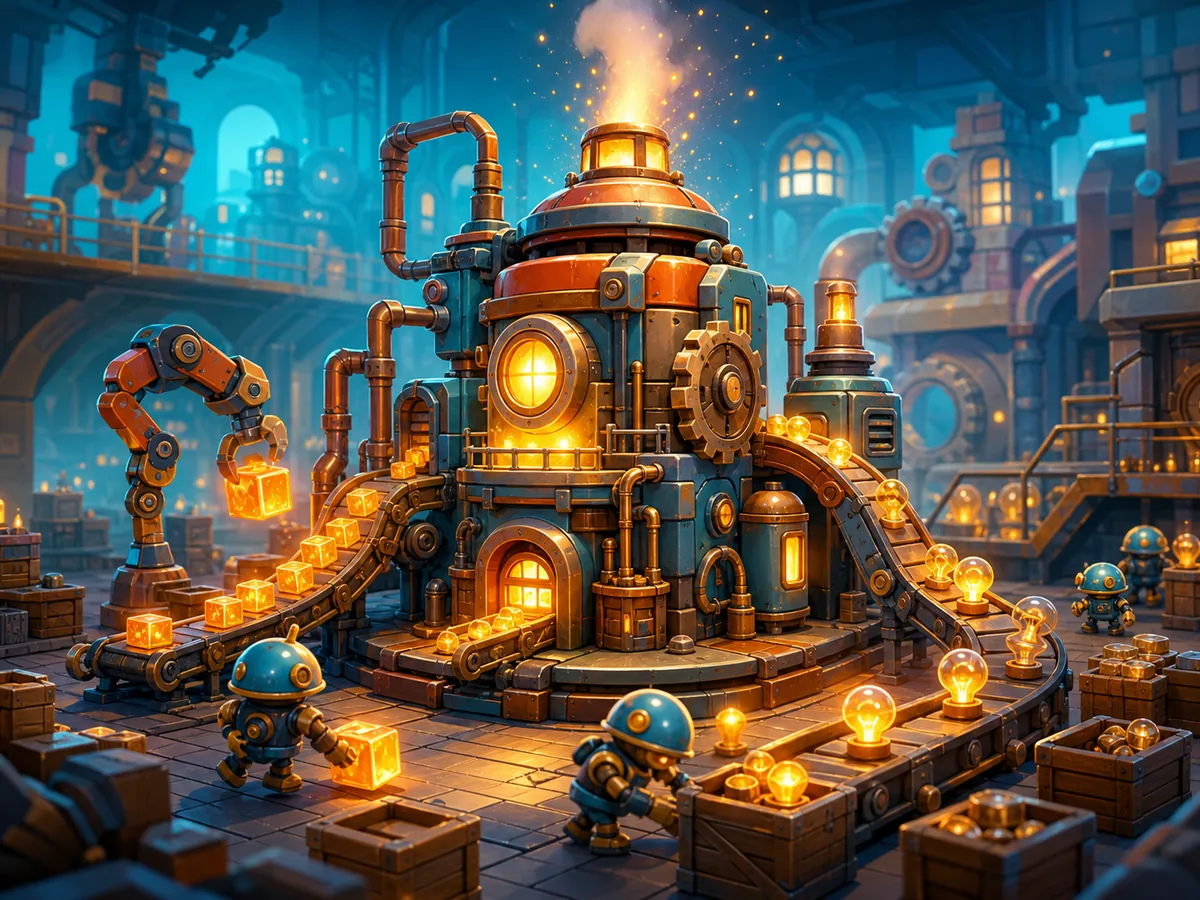
Tiny Factory is a factory-building and automation game in which you act as the designer of a miniature industrial operation. Your job is to connect compatible machines so materials move through a working production chain. Successful output generates money, which funds additional machines and technologies.
- Best for
- ** Players who enjoy compact layouts, incremental upgrades, and watching automated systems run
- Skip if
- ** You want combat, character-driven exploration, or a fully supported phone experience
Controls
| Action | Input |
|---|---|
| Select a machine or menu option | left-click its on-screen button |
| Place or interact | left-click the indicated position or object |
| Connect machines | select the on-screen connection tool, then follow its endpoint prompts |
| Cancel or close a tool | use the visible cancel/back control or the binding shown in the interface |
| Move around the factory | use the displayed camera controls, if the current layout extends beyond the screen |
Quick tips
- Build the smallest complete line first. An unfinished collection of machines earns nothing and makes faults harder to trace.
- Leave a clear corridor between production groups. Space that looks wasteful early can prevent an awkward rebuild after new technology appears.
- Follow a single item when diagnosing a stall. The first point where it stops—not the final idle machine—is usually where the problem begins.
- Check the money counter after every major connection. A rising balance is the clearest confirmation that the entire chain is valid.
Ready to try Tiny Factory?
Play on itch.io in a new tab — then use the full guide for strategy.
new · Tiny Factory
Tiny Factory: Guide & Free Play Link
How to play Tiny Factory — plus a free play button that opens itch.io.
At a glance
Tiny Factory is a relaxed browser automation game about assembling a compact production network, watching it earn money, and unlocking new technology. It suits players who enjoy building efficient systems without high-pressure action. This guide covers the recent PC-browser release by Loominest.
What is Tiny Factory?
Tiny Factory is a factory-building and automation game in which you act as the designer of a miniature industrial operation. Your job is to connect compatible machines so materials move through a working production chain. Successful output generates money, which funds additional machines and technologies.
Best for / skip if
- Best for: Players who enjoy compact layouts, incremental upgrades, and watching automated systems run.
- Skip if: You want combat, character-driven exploration, or a fully supported phone experience.
Core loop
Choose a machine, place it in the factory, and connect it to the next useful stage. Let the line operate long enough to confirm that materials enter, get processed, and produce income. Spend that income on another machine or technology, then extend or improve the line without blocking future connections.
How to play (first session)
- Launch the browser version on a PC. If prompted, enter a name for the new factory or save.
- Read the opening objectives and labels. The available build choices show what your first production chain needs.
- Place the starting machines. Keep them close enough to connect, but leave open space around their ports.
- Connect the machines in processing order. Begin with the source or input machine, continue through any processor, and finish at the destination that turns output into money.
- Watch one complete production cycle. Do not expand yet: verify that items leave the source, reach each machine, and increase the displayed balance.
- Inspect any stalled stage. A machine with accumulating input but no output usually indicates a missing connection, unsuitable destination, or blocked next step.
- Buy the cheapest useful extension. Prefer something that strengthens the working chain or opens a clearly usable technology.
- Repeat in small sections. Add one machine or connection, observe the result, and only then continue expanding.
Controls
The public description does not document fixed keyboard bindings, so follow the labels and prompts shown by the current browser build.
- Select a machine or menu option — left-click its on-screen button
- Place or interact — left-click the indicated position or object
- Connect machines — select the on-screen connection tool, then follow its endpoint prompts
- Cancel or close a tool — use the visible cancel/back control or the binding shown in the interface
- Move around the factory — use the displayed camera controls, if the current layout extends beyond the screen
Tips that actually help
- Build the smallest complete line first. An unfinished collection of machines earns nothing and makes faults harder to trace.
- Leave a clear corridor between production groups. Space that looks wasteful early can prevent an awkward rebuild after new technology appears.
- Follow a single item when diagnosing a stall. The first point where it stops—not the final idle machine—is usually where the problem begins.
- Check the money counter after every major connection. A rising balance is the clearest confirmation that the entire chain is valid.
- Avoid spending your full balance immediately. Keeping a reserve lets you buy a missing link instead of waiting on a weak line.
- Expand from proven output rather than placing machines speculatively. New technology is only valuable when it fits a chain you can complete.
- Separate production stages visually. Simple rows or small machine clusters make inputs and outputs easier to read.
Common mistakes
- Connecting machines in the wrong processing order.
- Expanding before confirming that the starter line earns money.
- Packing machines so tightly that later connections have nowhere to go.
- Buying an unlock without retaining enough money to use it.
- Assuming mobile controls are supported; the developer currently describes the game as PC-only.
FAQ
Is Tiny Factory free?
The relevant itch.io release is presented as a free browser game.
Does it require a download?
No for normal browser play. Open the game page on a PC and launch the embedded version.
Can I play on a phone?
It may load, but mobile is not currently supported. In particular, text entry and navigation can prevent a new game from starting.
How do I know my factory works?
Watch materials complete the whole route and confirm that your money increases. A moving machine alone does not prove that the final output is being credited.
Why has production stopped?
Trace the line from its source. Look for the first machine that lacks input, cannot send output onward, or is connected to the wrong stage.
Which Tiny Factory does this cover?
This guide covers Loominest’s relaxing automation game for PC browsers, not the older itch.io games that share the same title.
Build your first production line and play free on itch.io via /game/tiny-factory.
Play + deep guide
Tiny Factory — free on itch.io
Jump to the host for a live session, or open the full editorial how-to for strategy and FAQ.
Deep dive article
How to Play Tiny Factory: Tips, Controls & Strategy
Learn how to play Tiny Factory: core loop, first-session walkthrough, practical tips, and common mistakes.
Similar games
More new guides
 newFree
Allele Devil's Hand
How to play Allele Devil's Hand — plus a free play button that opens itch.io.
itch.io
 newFree
Death Spiral
How to play Death Spiral — plus a free play button that opens itch.io.
itch.io
 newFree
Dig Dan Dig!
How to play Dig Dan Dig! — plus a free play button that opens itch.io.
itch.io
 newFree
King in the Mountain
How to play King in the Mountain — plus a free play button that opens itch.io.
itch.io
 newFree
AFKFishing
How to play AFKFishing — plus a free play button that opens itch.io.
itch.io
 newFree
necrosweeper
How to play necrosweeper — plus a free play button that opens itch.io.
itch.io