
Guide hub · Play on itch.io
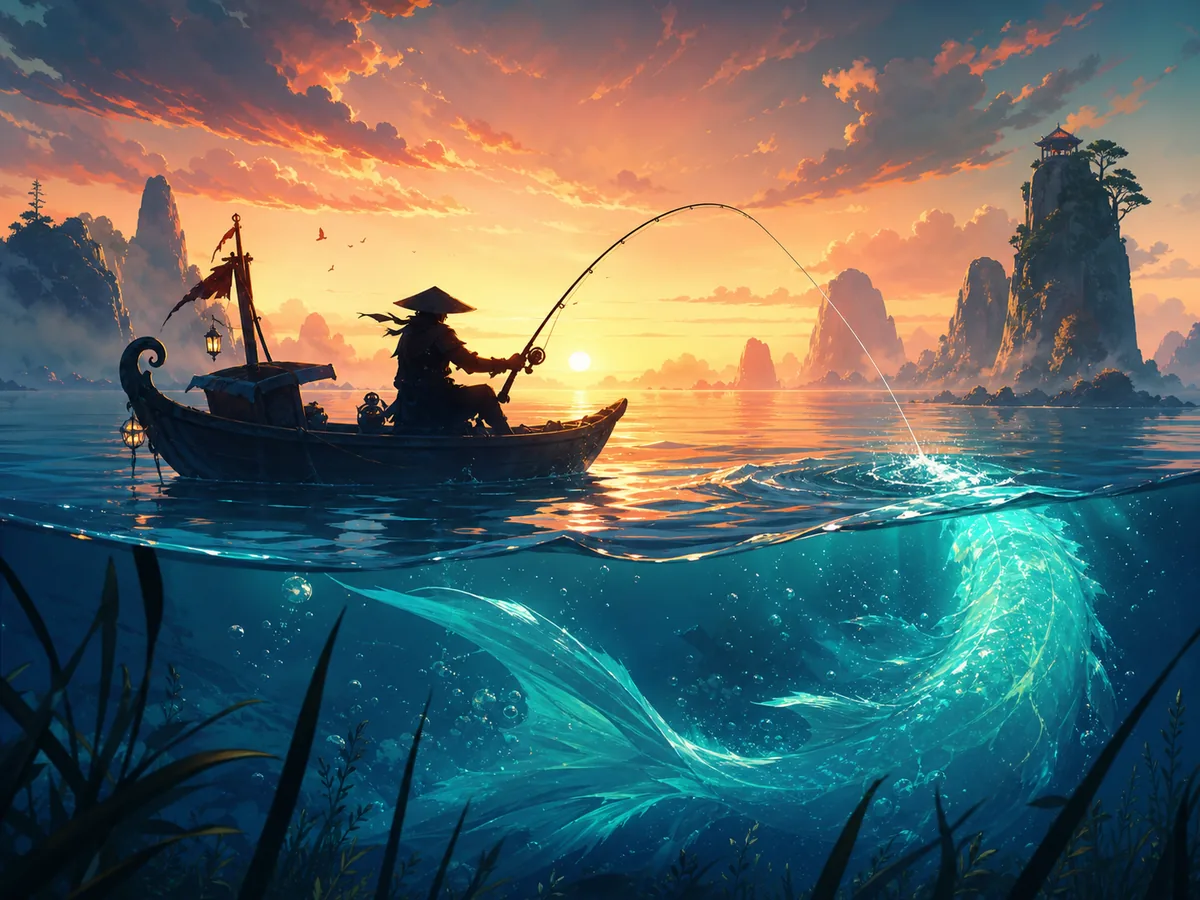
AFKFishing
How to play AFKFishing — plus a free play button that opens itch.io.
Opens itch.io in a new tab. FreshArcade publishes guides only — we do not embed or rehost third-party game files.
What is AFKFishing?
AFKFishing is an HTML5 idle game made in Unity and hosted on itch.io. Its public description—“chill, relax, click fish”—captures the core loop: leave the fishing scene running, return when convenient, and click fish or the relevant on-screen catch prompt.
- Best for
- ** Players who enjoy low-pressure, one-button games that can sit beside another activity
- Skip if
- ** You want realistic casting controls, exploration, or a fishing simulation demanding constant attention
Controls
| Action | Input |
|---|---|
| Start the game | Select Run Game on the host page |
| Focus the game frame | Left-click / tap inside the game |
| Catch or select a fish | Left-click / tap the visible fish or on-screen target |
| Other actions | Follow the labels shown in the current build; no keyboard bindings are published on the host listing |
| Fullscreen | Use the fullscreen control on the embedded itch.io player, if displayed |
Quick tips
- Click once deliberately, then check for visual feedback before clicking again.
- Keep the complete fishing area visible; browser zoom can place a target or counter outside the frame.
- If clicks appear unresponsive, refocus the Unity frame with a click near its center.
- Observe one active cycle before going idle so you know what requires manual input.
Ready to try AFKFishing?
Play on itch.io in a new tab — then use the full guide for strategy.
new · AFKFishing
AFKFishing: Guide & Free Play Link
How to play AFKFishing — plus a free play button that opens itch.io.
At a glance
AFKFishing is a small browser-based idle fishing game built around a simple fantasy: catch fish while giving the game only occasional attention. This guide explains the verified click-based interaction, a sensible first-session routine, and the limits of its “AFK” design.
What is AFKFishing?
AFKFishing is an HTML5 idle game made in Unity and hosted on itch.io. Its public description—“chill, relax, click fish”—captures the core loop: leave the fishing scene running, return when convenient, and click fish or the relevant on-screen catch prompt.
Best for / skip if
- Best for: Players who enjoy low-pressure, one-button games that can sit beside another activity.
- Skip if: You want realistic casting controls, exploration, or a fishing simulation demanding constant attention.
Core loop
Start the browser build, watch the fishing area, and click the fish or catch target shown on screen. Let the game continue between interactions, then return to check what has changed and make another catch. “AFK” here means low attention; do not assume the closed game will keep progressing unless the current build explicitly shows an offline-rewards message.
How to play (first session)
- Select Run Game on the itch.io player and wait for the Unity loading screen to finish.
- Click once inside the game frame so the browser sends your input to the game rather than the surrounding page.
- Read any prompt displayed over the water or fishing scene. The host’s published instruction is to click fish, so begin by selecting the visible fish or catch target.
- Confirm the click registered by watching for an animation, a changed counter, or a new fish. If nothing changes, wait for the target to become active instead of clicking rapidly.
- Allow one full fishing cycle to complete. This reveals which parts happen automatically and which require your click.
- Leave the tab open briefly, return, and compare the catch display or counters. That is the safest way to verify how much progress the current version makes without attention.
- Before closing the tab, look for a save indicator or test whether refreshing preserves progress. Browser storage can be cleared, so do not assume a run is permanent.
Controls
- Start the game — Select Run Game on the host page
- Focus the game frame — Left-click / tap inside the game
- Catch or select a fish — Left-click / tap the visible fish or on-screen target
- Other actions — Follow the labels shown in the current build; no keyboard bindings are published on the host listing
- Fullscreen — Use the fullscreen control on the embedded itch.io player, if displayed
Tips that actually help
- Click once deliberately, then check for visual feedback before clicking again.
- Keep the complete fishing area visible; browser zoom can place a target or counter outside the frame.
- If clicks appear unresponsive, refocus the Unity frame with a click near its center.
- Observe one active cycle before going idle so you know what requires manual input.
- Use a short absence as a test before leaving the game unattended for longer.
- Keep the tab open when testing idle progress; closing it is not the same as remaining AFK.
- Check whether refreshing retains your catch total before investing in a long session.
- Disable aggressive tab-sleeping for this page if the game stops updating in the background.
Common mistakes
- Expecting a detailed casting or reeling simulation when the published interaction is click-based.
- Clicking the surrounding itch.io page instead of focusing the embedded game.
- Spamming an inactive fish without waiting for the next valid state.
- Assuming “AFK” guarantees offline progress after the tab is closed.
- Clearing browser site data before confirming whether progress is stored locally.
FAQ
Is AFKFishing free?
The HTML5 build can be launched from its itch.io page in a browser, with an optional support prompt from the host.
Do I need to download it?
No. The listed version runs as an HTML5 game inside the browser.
Is it really an idle game?
Yes. It is tagged as idle and AFK, but some catches still involve clicking. Think “occasional interaction,” not necessarily fully automatic play.
Can I play on a phone?
A tap may substitute for a mouse click, but the listing confirms HTML5 support rather than a dedicated mobile version. Interface fit and performance may vary.
Does it earn fish while closed?
That is not stated publicly. Verify it by noting your total, closing or refreshing the game, and checking whether the total or an offline summary changes.
Why are my clicks not working?
Wait for loading to finish, click inside the game frame to focus it, and then select the visible fish or prompt. Also check that no itch.io overlay is covering the build.
Ready for a low-attention fishing session? Play AFKFishing free on itch.io.
Play + deep guide
AFKFishing — free on itch.io
Jump to the host for a live session, or open the full editorial how-to for strategy and FAQ.
Deep dive article
How to Play AFKFishing: Tips, Controls & Strategy
Learn how to play AFKFishing: core loop, first-session walkthrough, practical tips, and common mistakes.
Similar games
More new guides
 newFree
Allele Devil's Hand
How to play Allele Devil's Hand — plus a free play button that opens itch.io.
itch.io
 newFree
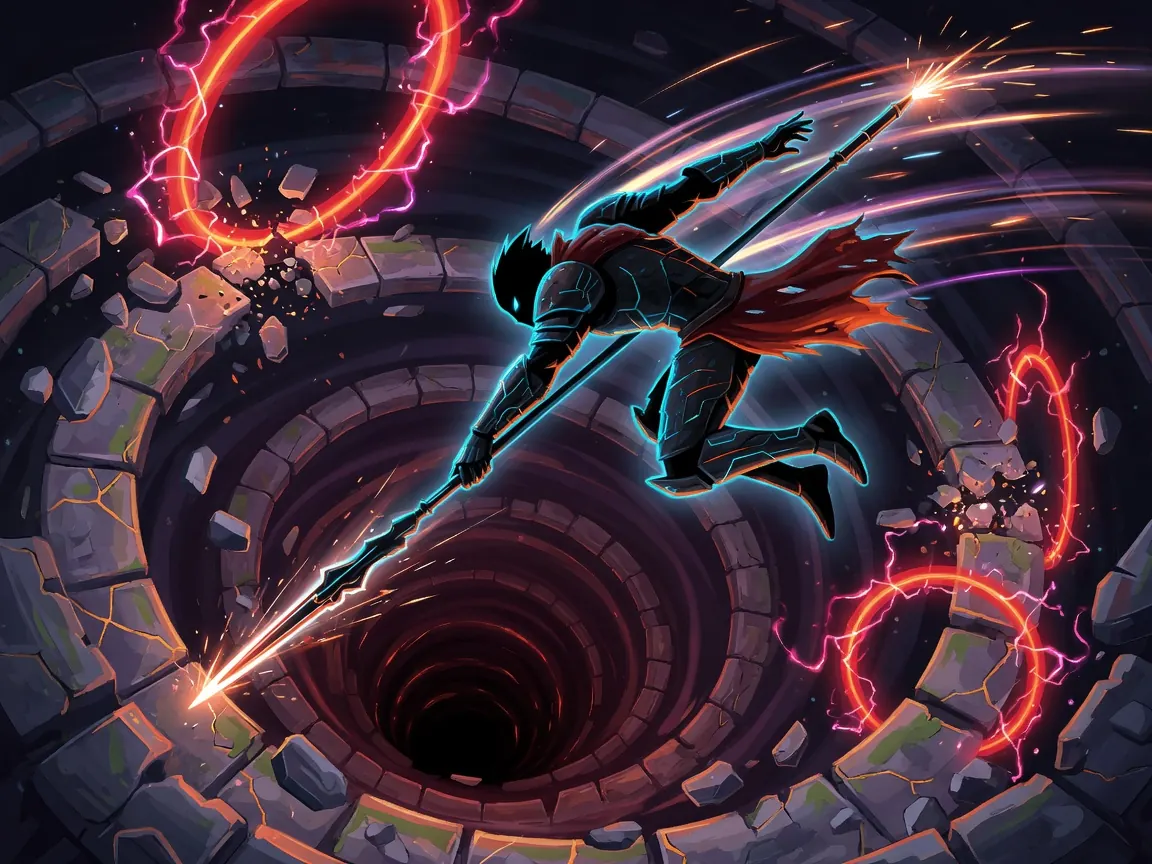
Death Spiral
How to play Death Spiral — plus a free play button that opens itch.io.
itch.io
 newFree
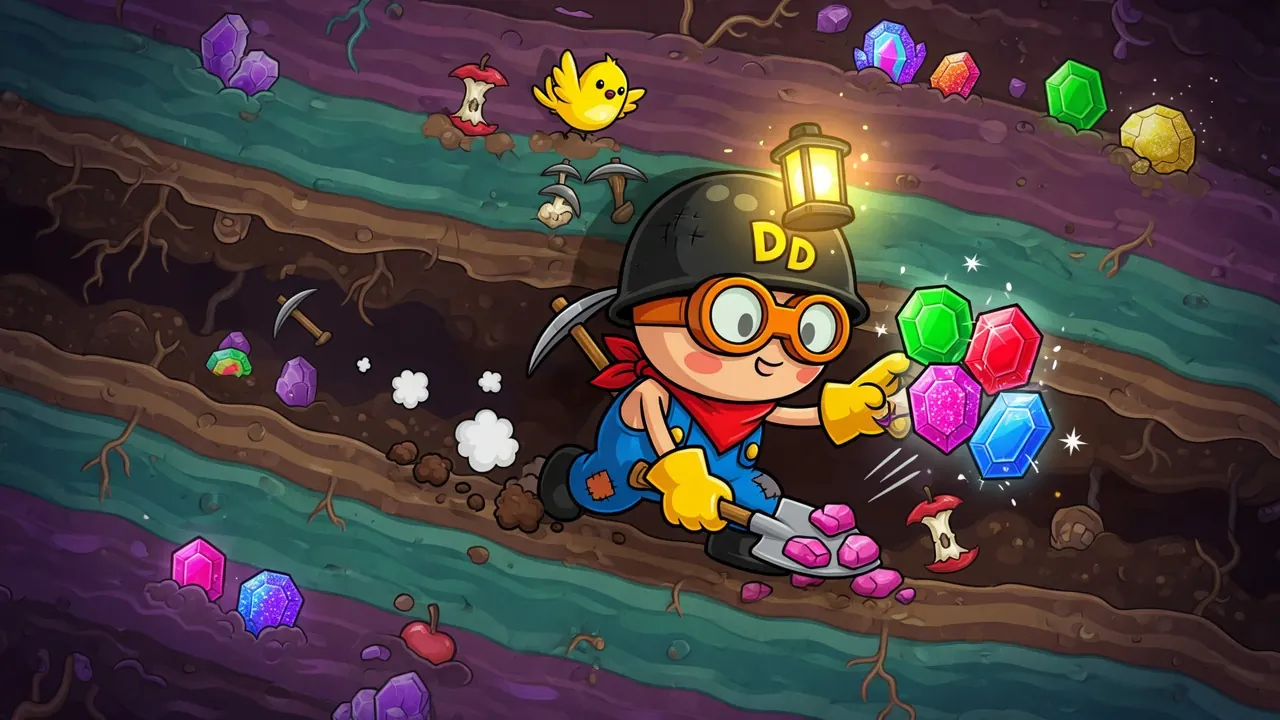
Dig Dan Dig!
How to play Dig Dan Dig! — plus a free play button that opens itch.io.
itch.io
 newFree
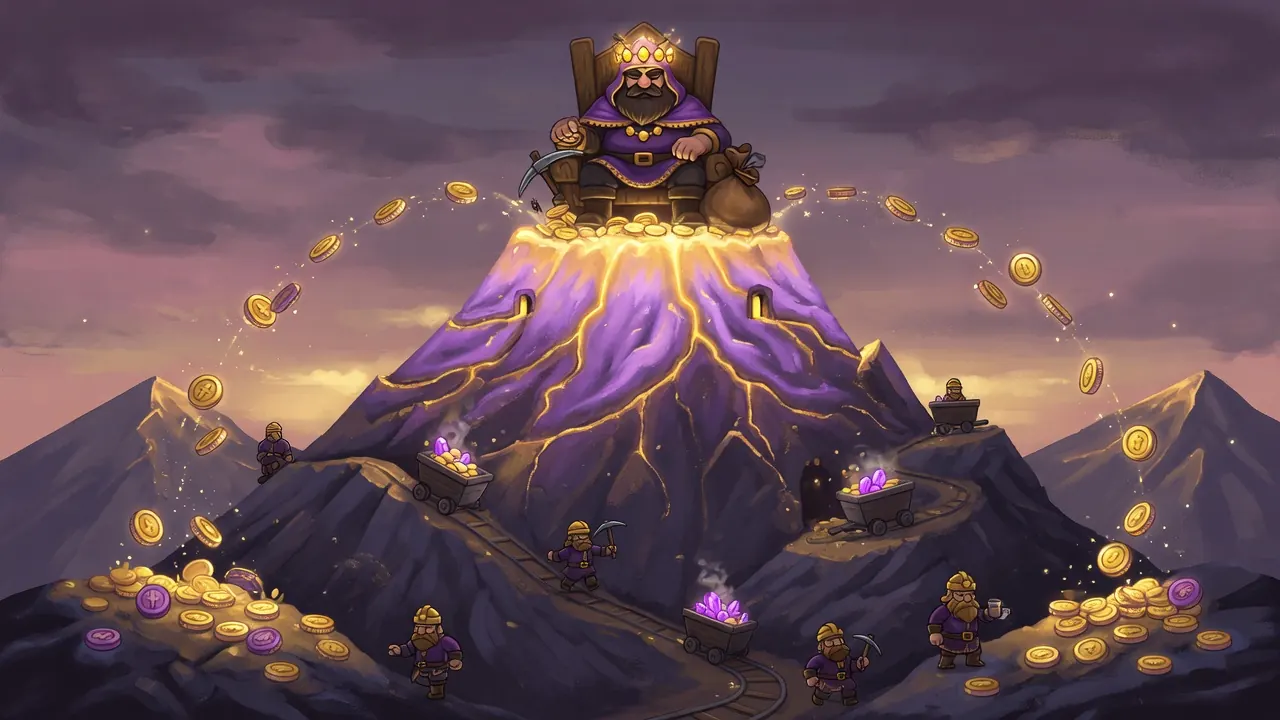
King in the Mountain
How to play King in the Mountain — plus a free play button that opens itch.io.
itch.io
 newFree
Tiny Factory
How to play Tiny Factory — plus a free play button that opens itch.io.
itch.io
 newFree
necrosweeper
How to play necrosweeper — plus a free play button that opens itch.io.
itch.io