

Guide hub · Play on CrazyGames
Fishing Anomaly
How to play Fishing Anomaly — plus a free play button that opens CrazyGames.
Opens CrazyGames in a new tab. FreshArcade publishes guides only — we do not embed or rehost third-party game files.
What is Fishing Anomaly?
Fishing Anomaly is a free browser fishing/RPG hybrid (HTML5) set after a catastrophe has filled the world with radiation, strange zones, and monstrous catches. You are a long-time bunker survivor whose first real act topside is simple: pick a rod and cast. The core loop is cast → fight the fish with pull/reel timing → bank the catch (and any anomalies) → sell, craft, or equip upgrades → move to tougher water via map and quests.
- Best for
- ** Fans of fishing sims with collection, gear progression, and a weird post-apoc atmosphere; people who enjoy learning a few hotkeys and managing inventory between casts
- Skip if
- ** You want twitch shooters or one-button idle clickers; or you dislike menus (shop, craft, ranks) between active fishing sessions
Controls
| Action | Input |
|---|---|
| Select rod | 1 / 2 / 3 |
| Cast / hook fish | Space |
| Pull rod | G |
| Reel in | H |
| Throw bait | Z |
| Change float depth | X |
| Pack up rod | Q |
| Equipment | C |
Quick tips
- Treat float depth (X) as a real choice: if bites are rare, change depth before swapping the whole rod.
- Learn G vs H as a rhythm, not mash-spam; snapping free is usually greed on the pull.
- Empty or sell the fish basket (V) often so rare anomalies do not bounce off full storage.
- Follow L quests for directed XP and cash; free-casting is fine later, but early quests teach the economy.
Ready to try Fishing Anomaly?
Play on CrazyGames in a new tab — then use the full guide for strategy.
new · Fishing Anomaly
Fishing Anomaly: Guide & Free Play Link
How to play Fishing Anomaly — plus a free play button that opens CrazyGames.
What is Fishing Anomaly?
Fishing Anomaly is a free browser fishing/RPG hybrid (HTML5) set after a catastrophe has filled the world with radiation, strange zones, and monstrous catches. You are a long-time bunker survivor whose first real act topside is simple: pick a rod and cast. The core loop is cast → fight the fish with pull/reel timing → bank the catch (and any anomalies) → sell, craft, or equip upgrades → move to tougher water via map and quests.
Best for / skip if
- Best for: Fans of fishing sims with collection, gear progression, and a weird post-apoc atmosphere; people who enjoy learning a few hotkeys and managing inventory between casts.
- Skip if: You want twitch shooters or one-button idle clickers; or you dislike menus (shop, craft, ranks) between active fishing sessions.
Core loop
- Choose rod, bait, and float depth for the water you are on.
- Cast, wait for a bite, hook, then balance pull and reel so the fish does not snap free.
- Land the catch into your basket; note special fish, artifacts, or resources.
- Sell surplus, open quests, craft or buy better gear, unlock skills.
- Switch waterbody on the map (or chase events/competitions) and repeat with stronger targets.
How to play (first session)
- Start on the default shore and open quests (L) so early tasks point you at simple fish and basic gear.
- Press 1 / 2 / 3 to pick a rod you actually own; pack up with Q if you need to re-equip.
- Z to throw bait if the UI offers it, then X to set float depth for the spot (shallow vs deeper water often changes what bites).
- Space to cast; when the bite shows, Space again to hook.
- Hold the fight with G (pull) and H (reel)—ease off if the line feels maxed, press again when tension drops.
- Check V (fish basket) and B (inventory); sell junk at the shop (P) rather than hoarding everything.
- Spend early cash on a clearer upgrade path: stronger rod / better line feel / storage—not every cosmetic.
- Open M (waterbody map) only after you can consistently land starter fish; harder zones punish weak gear.
- Peek at K (workshop) and N (skills) when you have spare materials—small bonuses stack faster than random shop spam.
Controls
Desktop hotkeys listed on the CrazyGames host page (mouse/UI still works for many actions):
- Select rod — 1 / 2 / 3
- Cast / hook fish — Space
- Pull rod — G
- Reel in — H
- Throw bait — Z
- Change float depth — X
- Pack up rod — Q
- Equipment — C
- Inventory — B
- Fish basket — V
- Quests / tasks — L
- Shop — P
- Waterbody map — M
- Workshop / crafting — K
- Character skills — N
- Character stats — E
- Fishing ranks / achievements / rankings — R / Y / U
- Settings — ~ (tilde)
On mobile/tablet, expect on-screen buttons for cast, reel, and menus—match labels to the same actions above rather than guessing PC keys.
Tips that actually help
- Treat float depth (X) as a real choice: if bites are rare, change depth before swapping the whole rod.
- Learn G vs H as a rhythm, not mash-spam; snapping free is usually greed on the pull.
- Empty or sell the fish basket (V) often so rare anomalies do not bounce off full storage.
- Follow L quests for directed XP and cash; free-casting is fine later, but early quests teach the economy.
- Unlock map (M) waters only when your rod rank and skills match the zone—prestige locations waste time if you cannot finish fights.
- Use K craft when materials pile up; turning junk fish/parts into gear beats selling everything raw.
- Skim R / Y ranks and achievements for soft goals (species lists, event fish) so you know what to keep vs sell.
- In competitions/events, prioritize the listed target species over “whatever bites first.”
Common mistakes
- Casting with the wrong rod slot (1–3) after a gear swap.
- Ignoring float depth and blaming “bad RNG” on empty bites.
- Holding pull the entire fight and losing every big fish.
- Never opening quests, then wondering why progression feels flat.
- Jumping to a hard waterbody before inventory and rod upgrades.
- Hoarding every catch until the basket blocks better rewards.
FAQ
Is Fishing Anomaly free in the browser? Yes—it runs as an HTML5 game on hosts like CrazyGames (desktop, mobile, tablet; landscape layout).
Is it only fishing, or is there RPG stuff? Fishing is the verb, but you also manage equipment, inventory, crafting, skills, quests, and ranks—light progression between casts.
Do I need a keyboard? Keyboard hotkeys are the fastest on desktop. Mouse/UI buttons cover cast, reel, sell, and menus; mobile uses touch controls for the same flow.
What should I upgrade first? Whatever lets you finish more fights and hold more fish: rod strength / fight control, then storage, then zone access. Cosmetics can wait.
What are “anomalies” and artifacts? Flavor and loot from the ruined setting—special catches and mysterious objects that feed crafting, collection, and longer-term goals beyond ordinary fish sales.
Can I play short sessions? Yes. One quest cycle—cast a few times, sell, craft one upgrade—fits a break; deeper map zones and events suit longer grinds.
When you are ready, play Fishing Anomaly free on CrazyGames.
Play + deep guide
Fishing Anomaly — free on CrazyGames
Jump to the host for a live session, or open the full editorial how-to for strategy and FAQ.
Deep dive article
How to Play Fishing Anomaly: Tips, Controls & Strategy
Learn how to play Fishing Anomaly: core loop, first-session walkthrough, practical tips, and common mistakes.
Similar games
More new guides
 newFree
cat mail co
How to play cat mail co — plus a free play button that opens CrazyGames.
CrazyGames
 newFree
metamancer
How to play metamancer — plus a free play button that opens CrazyGames.
CrazyGames
 newFree
Allele Devil's Hand
How to play Allele Devil's Hand — plus a free play button that opens itch.io.
itch.io
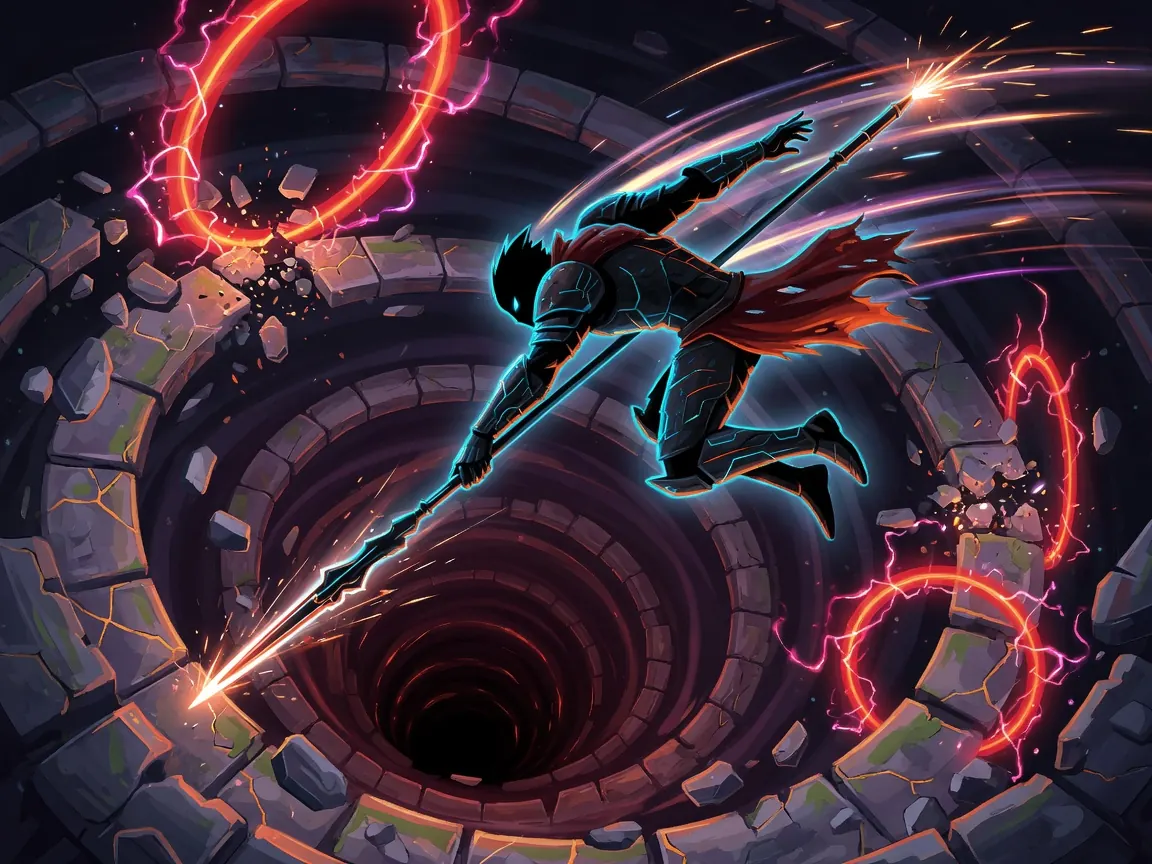 newFree
Death Spiral
How to play Death Spiral — plus a free play button that opens itch.io.
itch.io
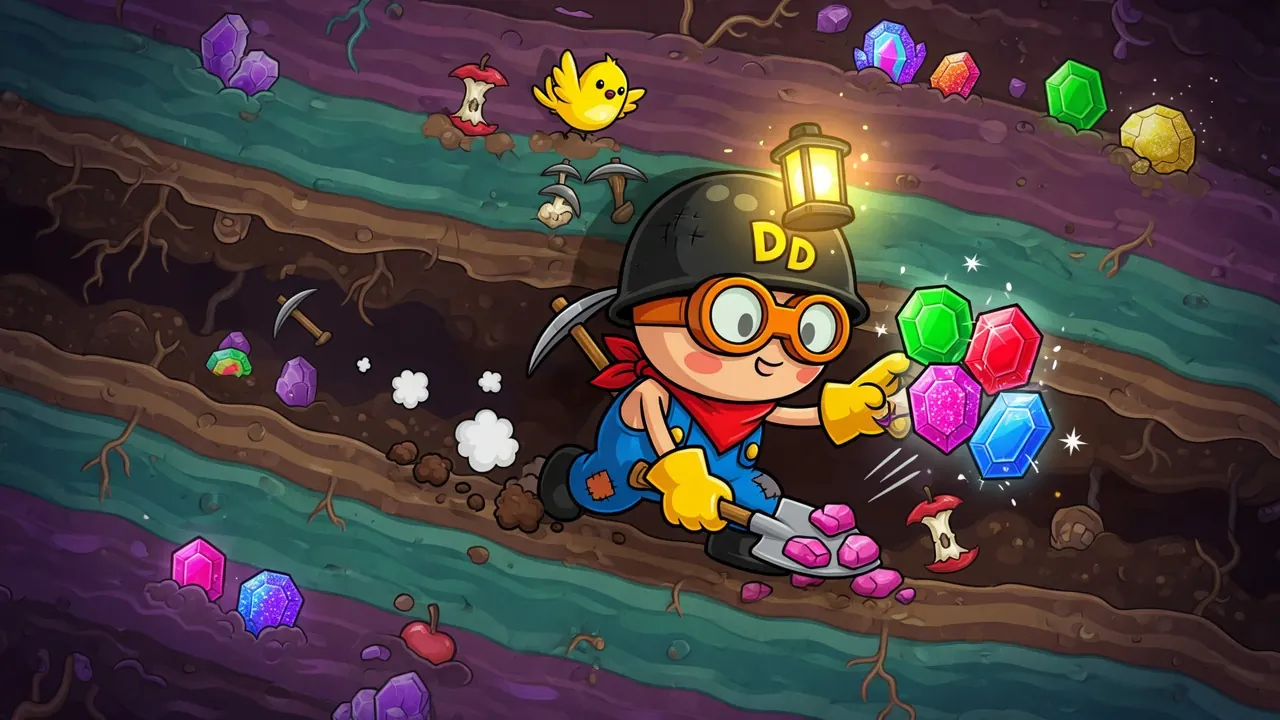 newFree
Dig Dan Dig!
How to play Dig Dan Dig! — plus a free play button that opens itch.io.
itch.io
 newFree
King in the Mountain
How to play King in the Mountain — plus a free play button that opens itch.io.
itch.io