
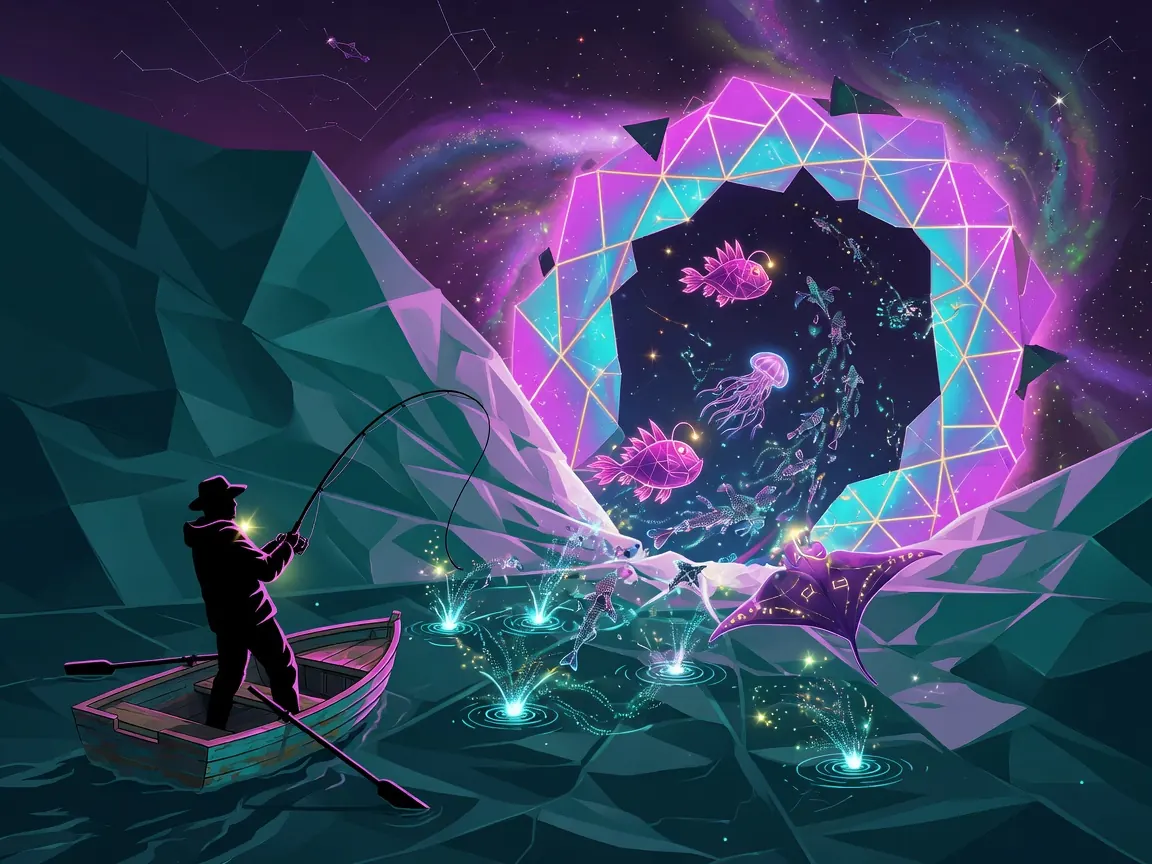
What is Fishing Anomaly?
Fishing Anomaly is a free browser fishing / adventure sim (2D, mouse-friendly, also playable on mobile) hosted on CrazyGames and developed by GamePush. The fantasy is simple and sticky: the world broke—radiation, mutants, anomalies—and after decades underground, your first useful instinct is to fish the weird water. The core loop is cast → manage depth and bait → hook and fight the catch → bank fish, resources, and artifacts → upgrade rods and gear → unlock tougher spots, quests, and competitions.
Best for / skip if
- Best for: Players who enjoy fishing sims, collection / upgrade progress, light mission structure, and “what did I just pull out of the lake?” surprises more than pure combat.
- Skip if: You want arcade-only speed (instant hook, no menus) or a realistic sports-fishing title with no mutant / anomaly fantasy.
Core loop
- Pick spot and kit — Choose a waterbody (map), equip a rod, and set bait / float depth for what you expect there.
- Cast and wait — Throw the line, watch the float (or bite feedback), and be ready on hook timing.
- Fight the catch — Hook, pull, and reel so the fish does not spit the hook or snap weak gear.
- Resolve the haul — Keep, sell, or use fish and anomalous finds; stash craft resources.
- Progress — Spend gains on shop gear, workshop crafts, skills, and quests; move to riskier locations and events when your rod can handle them.
You are not only filling a basket—you are building a post-apoc angler who can survive stranger water.
How to play (first session)
- Load the game on CrazyGames in landscape if you can; give the HTML5 build a moment to finish loading UI and hotkeys.
- Skim the onboarding / first quests — Open quests early (`L` on keyboard hosts) so you know whether the game wants a simple catch, a sale, or a specific fish type.
- Open equipment and inventory (`C` / `B`) and confirm a starter rod is equipped. If you have multiple rods, note that `1` / `2` / `3` switch them on the water.
- Check the waterbody map (`M`) and stay on the safest available shore first. New spots often look cooler and punish weak line.
- Set bait and float depth — Use throw bait (`Z`) and change float depth (`X`) so you are not fishing the wrong layer for everything that swims.
- Cast with Space — Cast, then wait. Do not mash reels; bites in anomaly water can feel different from “normal” fishing games.
- On the strike: Space to hook, then G / H to fight — Pull (`G`) and reel (`H`) in short, controlled bursts. Pack up with `Q` when you need to move or swap kit.
- Bank the session — Sell surplus through the shop flow (`P`), keep rare or quest fish in the basket (`V`), and drop materials into crafting / workshop (`K`) when you have a clear upgrade target.
- Spend on one bottleneck — Prefer rod strength or a gear piece that stops losses over buying three random cosmetics or side tools.
- Close with a quest check — Turn in anything finished, note the next task, and only then jump to a harder shore or an event.
If something fails (line snaps, empty casts), treat it as feedback: wrong depth, weak rod, or spot above your gear—not “broken fishing.”
Controls
Published host controls (CrazyGames). On pure touch / click layouts, look for the same actions as on-screen buttons if keys do not bind.
Fishing - Select rod — `1` / `2` / `3` - Cast rod / hook fish — `Space` - Pull rod — `G` - Reel in — `H` - Throw bait — `Z` - Change float depth — `X` - Pack up rod — `Q`
Menus - Equipment — `C` - Inventory — `B` - Fishing ranks — `R` - Achievements — `Y` - Player rankings — `U` - Fish basket — `V` - Quests / tasks — `L` - Shop — `P` - Waterbody map — `M` - Workshop / crafting — `K` - Character skills — `N` - Character stats — `E` - Settings — `~` (tilde)
General - Primary play — Mouse / click UI for cast, sell, trade, and menus (host lists mouse support; landscape orientation)
If a key does nothing, open settings and confirm focus is on the game frame (click the play area once).
Tips that actually help
- Treat depth as a real choice. Spamming the same float depth on every cast is how you burn bait on empty water. Nudge depth when bites go quiet or you only see junk.
- Upgrade the rod before the ego spot. Dangerous locations and fat mutants punish under-geared lines. If fights end in snaps, shop / craft rod power before “one more cast” on a harder shore.
- Sell bulk, keep signal. Common mutated fish fund gear; unusual colors, anomaly tags, or quest markers belong in the basket until you know their use.
- Open quests every few casts. Mission text often points at the next soft gate (catch type, location, or sale). Playing blind turns a guided loop into random grinding.
- Use rod hotkeys in the fight. Switching rods mid-session (`1`–`3`) is faster than packing up only to re-equip when a heavier pull shows up.
- Bank resources into the workshop with a goal. Crafting materials feel useless until you pick one upgrade path (stronger rod, better line, utility gear). Aim materials; do not hoard forever.
- Events and competitions are optional pressure tests. Join when your kit is stable. Early events can empty your confidence and your gear if you treat them like the starter pond.
- Artifacts are progression, not clutter. When the game flags anomalous finds, check whether they slot into equipment, crafts, or collection before auto-selling everything that glows.
Common mistakes
- Mashing cast / reel instead of waiting for a real bite and timing the hook.
- Ignoring float depth and bait after the first successful cast, then blaming “bad RNG.”
- Rushing a high-danger waterbody with the starter rod and losing every heavy fish.
- Selling quest or rare catches the moment the shop opens.
- Never opening quests, map, or workshop, so the sim feels like endless empty fishing.
- Fighting only with reel and forgetting pull / pack-up tools when the fish runs.
- Spending all currency on the shop wall with no rod priority, then failing the next mission gate.
FAQ
Is Fishing Anomaly free to play in the browser? Yes. It runs as an HTML5 browser game on CrazyGames (desktop, mobile, tablet). Expect host ads or account prompts on some portals; the core cast–catch–upgrade loop does not require a paid client.
Is this realistic fishing or a mutant / RPG fishing game? It is a post-apocalyptic fishing simulator with mutated fish, anomalies, artifacts, crafting, quests, and ranks—not a pure sports-fishing sim.
What do I do after I catch fish? Sell bulk catch for currency, keep special or quest fish in the basket, and push resources into equipment, shop gear, and workshop crafts so later water stays manageable.
Do I need a keyboard? Keyboard hotkeys are fully listed on the host for fishing and menus. Mouse / on-screen buttons cover the same actions; click the game once if keys seem dead.
Why do I keep losing the fight? Usually weak gear for the spot, mistimed hook, or only reeling without managing pull. Drop to an easier shore, upgrade the rod, and practice Space → G / H as a sequence.
Are there competitions or “endgame” hooks? Host feature lists include special events and fishing competitions, plus ranks, achievements, and player rankings. Treat them as mid-session goals after basic quests and gear upgrades, not minute-one requirements.
Ready to cast into the anomaly zone? Play free on CrazyGames via /game/fishing-anomaly.
**Is Fishing Anomaly free to play in the browser?**
Yes. It runs as an HTML5 browser game on CrazyGames (desktop, mobile, tablet). Expect host ads or account prompts on some portals; the core cast–catch–upgrade loop does not require a paid client.
Is this realistic fishing or a mutant / RPG fishing game? It is a post-apocalyptic fishing simulator with mutated fish, anomalies, artifacts, crafting, quests, and ranks—not a pure sports-fishing sim.
What do I do after I catch fish? Sell bulk catch for currency, keep special or quest fish in the basket, and push resources into equipment, shop gear, and workshop crafts so later water stays manageable.
Do I need a keyboard? Keyboard hotkeys are fully listed on the host for fishing and menus. Mouse / on-screen buttons cover the same actions; click the game once if keys seem dead.
Why do I keep losing the fight? Usually weak gear for the spot, mistimed hook, or only reeling without managing pull. Drop to an easier shore, upgrade the rod, and practice Space → G / H as a sequence.
Are there competitions or “endgame” hooks? Host feature lists include special events and fishing competitions, plus ranks, achievements, and player rankings. Treat them as mid-session goals after basic quests and gear upgrades, not minute-one requirements.
Ready to cast into the anomaly zone? Play free on CrazyGames via /game/fishing-anomaly.