
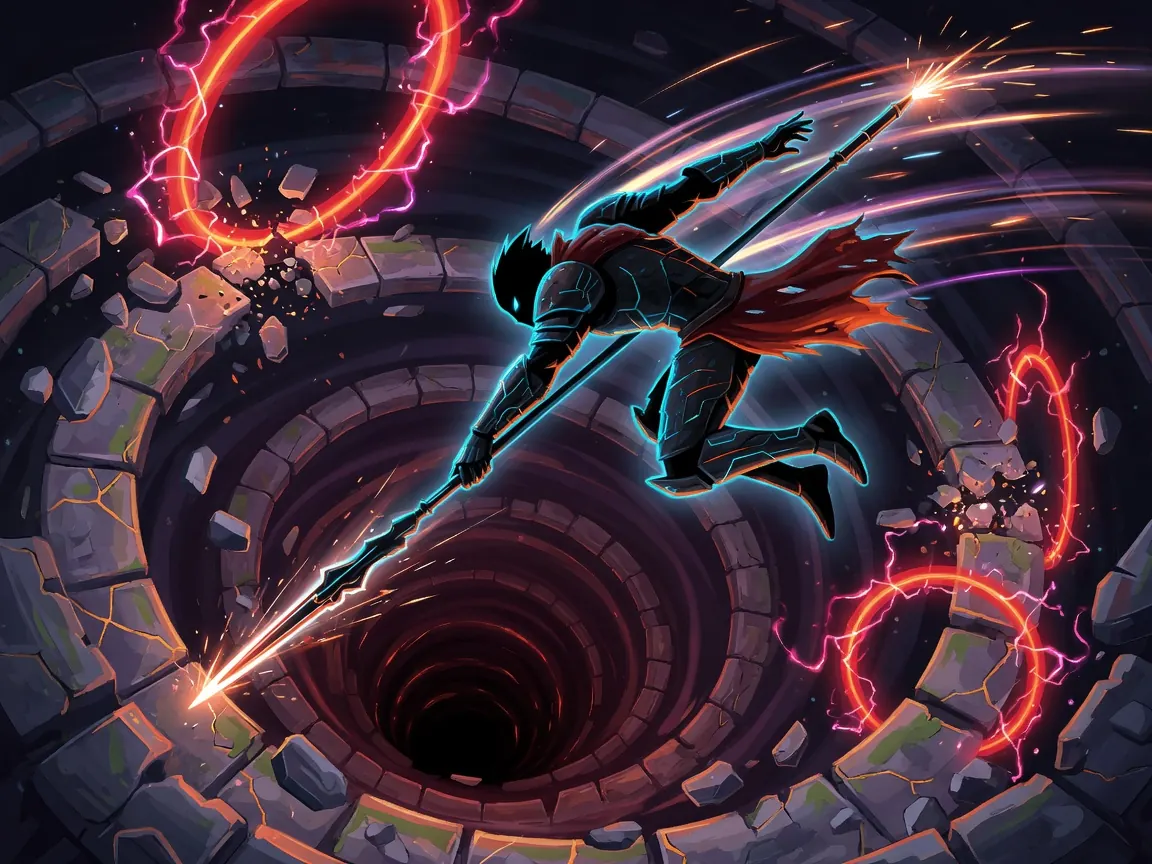
Core loop
- Enter a combat against one or more enemies arranged around a spinning wheel.
- Watch the wheel and enemy tells (named actions such as bites, stares, rams, swallows) while the cursor/position sweeps.
- Press your single action button at the right moment so your hit lands on the interaction you want—damage, defense, or a special outcome—not on empty air or a bad sector.
- React when the fight changes the wheel: direction can reverse, vision can drop, your position can jump—then re-sync and press again.
- Win the encounter (or die), then move through between-fight progress—shops, upgrades, and rerolls—before the next round.
- Repeat until a boss, a soft wall, or a run-ending mistake; restart and spend the next run on pattern memory rather than raw button spam.
The pressure is not “many keys.” It is timing + reading under horror flair.
How to play (first session)
- Open the game on itch.io (search Death Spiral by kindanice, or use the playable HTML5 page). Prefer fullscreen—the listing itself recommends it so wheel sectors stay readable.
- Click the game canvas so keyboard/mouse/touch actually reach the build, then start a new run. Use the interactive tutorial if it appears; one-button games still need one clean demo of “when to press.”
- Do not mash. Let the wheel complete a partial rotation while you only observe: where is the safe/hit zone, which enemy is telegraphing, how fast the spin feels.
- Take your first intentional press when the action lines up with a clear sector. Treat a miss as information: too early, too late, or wrong enemy priority.
- When an enemy uses a special (blind, reverse spin, teleport-style “swallow,” bite, etc.), pause your plan for one beat, re-read the new wheel state, then press. Reacting to the *new* pattern beats forcing the old one.
- Survive to the shop / upgrade break. Buy or pick upgrades that match how you actually play (cleaner timing windows, stronger poke, more HP, lust/love-style systems if those appear for you)—not every shiny option.
- End the first session after one full death or one clear “I understand the wheel” moment. On run two, pick one focus: only learn enemy names, only practice reverse-spin, or only shop for defensive upgrades.
Controls
Death Spiral is explicitly built as a one-button game with an interactive tutorial. The itch listing supports keyboard, mouse, gamepad (any), and touchscreen—so the *action* is one primary input, not a huge key map.
What to look for on the host UI (do not memorize invented keys as gospel):
| What you need | Where to find it |
|---|---|
| Primary action (the only combat press) | On-screen prompt, click/tap, space/enter-style key, or gamepad face button—whatever the tutorial highlights |
| Start / continue / confirm menus | Same primary input or an obvious UI click |
| Fullscreen | Browser fullscreen and/or the itch embed’s fullscreen control—use it |
| Pause | Community notes suggest pause may be limited or missing; if stuck, use browser tab focus carefully and avoid alt-tab mid-spin |
| Settings / accessibility | In-game menu or host chrome; look for tutorial replay and input device switches |
Practical setup: play seated with a consistent input (mouse click *or* one keyboard key *or* one controller button). Switching devices mid-run wrecks muscle timing. On touch, rest a thumb in one place so “press” is a tap, not a drag.
Tips that actually help
- Treat it like a harsh rhythm game, not a fighter. Your win condition is *when* you press relative to the wheel, not how many times you press.
- Learn enemy verbs by name. Comments and play reports call out distinct actions (e.g. Bite, Stare/blind, Ram/reverse spin, Swallow/teleport). Each changes what a “good” press means; lumping them as “the monster attacked” is how runs collapse.
- On reverse-spin (Ram-type), reset your mental clock. The sector that was about to hit you is now approaching from the other way—wait a fraction longer than panic suggests.
- On teleport/Swallow, assume a predictable remap if the build is consistent. Players report being thrown to the opposite side of the wheel, same travel direction. Pre-aim for the opposite sector instead of hunting randomly for five frames.
- Blind/Stare is an information attack. When vision drops, rely on audio, last known spin direction, and fewer presses—not heroic guesses every tick.
- Shop for your bottleneck. If you die to chip damage, take HP. If you miss timings, take upgrades that widen or stabilize your poke/window. Dumping every reroll into flavor stats while you still fail basic sectors wastes the between-round economy.
- Pacifist / love paths are real design space, not a joke ending only. Some players deliberately bond with late enemies instead of finishing every fight with damage—if those options appear, they are part of how the one-button system resolves interactions, not a separate minigame.
- Bosses punish lazy averages. A pattern that “mostly works” on trash packs fails when the window tightens; practice clean single presses under pressure in earlier rounds.
Common mistakes
- Mashing the button as if more presses equal more damage. Extra presses are usually extra mis-timings.
- Ignoring the wheel after a special. Reverse, blind, and reposition all invalidate the last plan; stubborn players eat free hits.
- Fighting the music and UI instead of using them. The presentation is part of the read—spin rate, enemy pose, and audio cues carry timing data.
- Spending shop currency on curiosity only. Early runs should buy survival and clearer offense before experimental builds.
- Playing windowed and tiny. Missing a sector because the wheel is a postage stamp is a setup error, not “bad at horror games.”
- Expecting a long campaign in one sitting. Average sessions are short; progress is *pattern literacy across runs*, not a 20-hour save file.
- Confusing this title with unrelated “Death Spiral” listings (tabletop one-shots, ant colony toys, other jams). You want the kindanice one-button horror roguelike with HTML5 play.
FAQ
Is Death Spiral free? Yes—the kindanice build on itch.io is offered as a free browser (HTML5) game. Tips/donations on itch are optional and not required to play.
Do I need to download it? No for the web build: play in the browser after the itch page loads. Some players ask for a downloadable archive; check the project page for whether a desktop package was added later.
Is it single-player? Yes. It is a solo roguelike session game—no ranked multiplayer layer.
What do I actually press? One primary action (click, key, tap, or gamepad button). Complexity lives in timing against the wheel and enemy actions, not in a control scheme.
How long is a run? The host lists an average session of a few minutes. Expect quick deaths early, then longer survival as you learn verbs and shop choices.
Any beginner tip that matters most? Fullscreen, one input device, and watch a full spin before your first real press. The game teaches with its wheel; mashing skips the lesson.
Play free on itch.io via /game/death-spiral.
**Is Death Spiral free?**
Yes—the kindanice build on itch.io is offered as a free browser (HTML5) game. Tips/donations on itch are optional and not required to play.
Do I need to download it? No for the web build: play in the browser after the itch page loads. Some players ask for a downloadable archive; check the project page for whether a desktop package was added later.
Is it single-player? Yes. It is a solo roguelike session game—no ranked multiplayer layer.
What do I actually press? One primary action (click, key, tap, or gamepad button). Complexity lives in timing against the wheel and enemy actions, not in a control scheme.
How long is a run? The host lists an average session of a few minutes. Expect quick deaths early, then longer survival as you learn verbs and shop choices.
Any beginner tip that matters most? Fullscreen, one input device, and watch a full spin before your first real press. The game teaches with its wheel; mashing skips the lesson.
Play free on itch.io via /game/death-spiral.