
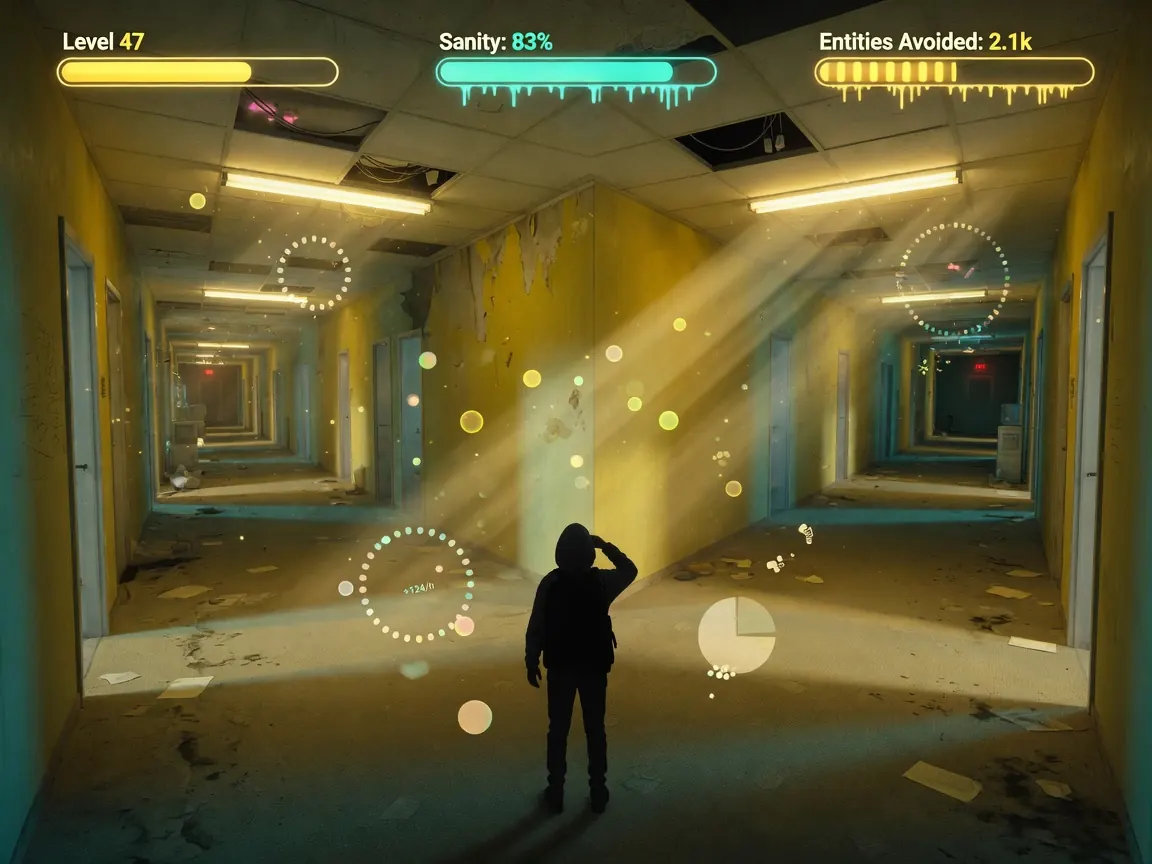
Core loop
- A run begins. The survivor moves through floors; you watch the feed and the run state (progress, danger, whether they exit or get lost).
- SIGNAL accumulates. You get passive SIGNAL over time and extra SIGNAL from walking tiles and exiting floors—these are separate income paths, not one number that means the same thing.
- You spend SIGNAL on upgrades. Early upgrades buy more time and more income so later floors are reachable without constant panic-clicking.
- The run ends in an exit, a loss, or a wipe. Stats like runs completed, exits, and “lost” attempts pile up over a long session; players who push deep content report many hundreds of runs.
- You start again with better kit. Past Floor 5 the page teases extra secrets; late routes (community mentions include things like Rainbow Route) are where the idle layer really matters.
You are not racing a high-score timer so much as raising the ceiling of how far a typical run can go before the monster (or the maze) ends it.
How to play (first session)
- Open the game on itch.io and use Play in browser (HTML5). Wait until the canvas loads and UI labels are readable—do not start spending until you see SIGNAL and upgrade names.
- Watch one full early run without upgrading. Note when the monster shows up, how floors advance, and what happens when a run ends. First rooms can feel aggressive; that is part of the tone, not a broken start screen.
- When you have a small SIGNAL pile, buy the upgrade that clearly raises passive SIGNAL (players often call this the signal booster path). Confirm the passive-per-second (or equivalent) number actually goes up after purchase.
- Next, put points into Amplifier (or the upgrade the UI describes as boosting walk/exit SIGNAL). Do not judge Amplifier only by passive income—it may look “broken” if you only stare at SIGNAL/sec.
- Let a few runs complete while you only buy income and survivability that unlock from SIGNAL. Avoid dumping everything into one random button before you know what it scales.
- After 10–20 runs, compare: deeper floors, more exits, fewer instant wipes. If nothing improved, re-read upgrade tooltips and rebalance between passive income and walk/exit income.
- When Floor 5 stops being a wall, keep spending on whatever lengthens survival and speeds SIGNAL so you can hunt post–Floor 5 content and longer routes without babysitting every second.
Controls
Exact keybinds are not fully documented on the public itch page, so treat this as UI-first guidance rather than a fake WASD chart.
- Primary input is click/tap on upgrade buttons, menus, and any on-screen run controls. Expect a browser canvas: mouse or trackpad is enough for a first session.
- Look for: SIGNAL total, passive rate, upgrade list (Signal Booster / Amplifier and similar), floor or run status, and any mute/settings control if audio loops get harsh.
- If something does not respond: click inside the game frame once (browser focus), check that you are not still on the itch download strip, and try a hard refresh if the build freezes mid-run.
- Keyboard: only use keys if the in-game UI or a visible prompt shows them. Do not assume FPS-style move/look controls; the product pitch is watching and upgrading, not free-roam exploration.
Tips that actually help
- Split SIGNAL income in your head. Passive SIGNAL (boost-style upgrades) and walk/exit SIGNAL (Amplifier-style) stack differently. Buying only passive can stall floor clears; buying only walk boosts can feel dead when the survivor is stuck.
- Verify each purchase. After an upgrade, check the stat it claims to change—rate, walk gain, or survivability—not just “the button got more expensive.”
- Early SIGNAL should buy time and income, not vanity. Longer runs mean more tiles walked and more floors exited, which feeds the loop faster than rushing a flashy late upgrade you cannot afford twice.
- Treat Floor 5 as a milestone, not the credits. The listing points at secrets beyond Floor 5; plan a mid-game bank of SIGNAL so you are not empty the first time you cross that line.
- Expect repetition and design around it. This is an idle game: tab out, return, spend the bank, start another run. Long completion paths (community notes in the tens of hours with 1000+ runs) are normal, not a softlock.
- Use audio as a danger cue, then mute if you must. Feedback mentions repeated scream cues; useful as alerts, rough for all-day AFK. Mute in-browser or in OS if you keep the tab open for passive SIGNAL.
- Track exits vs lost. If “lost” skyrockets and exits stall, put the next bank into survival/length upgrades instead of pure income for a few cycles.
- Do not trust a single “best upgrade” list from someone else’s endgame. Late SIGNAL balance can feel lopsided; re-evaluate after each big floor unlock rather than copying a maxed save.
Common mistakes
- Ignoring Amplifier because passive SIGNAL/sec does not move. Per the developer’s clarification on itch, Amplifier boosts SIGNAL from walking and exiting floors, separate from passive boost.
- Spending every SIGNAL the moment it appears on the first shiny upgrade, then sitting through slow runs with no income path left.
- Judging the game after one wipe in room one. Early monster pressure is part of the atmosphere; the point is whether upgrades change the next ten runs.
- Playing it like a pure horror walk simulator. You will not “git gud” with perfect strafes if the design wants you managing SIGNAL and run length.
- Assuming no long-term goals. Deep content, routes, and high run counts are the real clock—not a single perfect first escape.
- Leaving the tab frozen and assuming idle failed. Browser throttling can pause or slow inactive tabs; if income looks dead, bring the tab to the foreground once and check the numbers.
FAQ
Is backrooms idle free? Yes—play it free in the browser on itch.io as an HTML5 release (check the page for any optional tip/download notes).
Do I need to download it? No for normal play: use Play in browser. A small credits download may appear on the page; that is not required to start.
Is it single-player? Yes. You manage SIGNAL and watch the survivor’s runs; there is no multiplayer matchmaking in the public description.
What is SIGNAL? The upgrade currency. You earn it passively and from movement/floor exits, then spend it so the survivor lasts longer and reaches deeper floors.
What should beginners buy first? Prioritize clear passive SIGNAL gains, then walk/exit SIGNAL (Amplifier-type), then whatever clearly improves survival. Always confirm the number that should change after the click.
How long does it take? Short sessions work; full exploration of late routes can take a long idle-friendly commitment (players report many hours and large run totals). Pace for atmosphere and upgrades, not a speedrun PB.
Play free on itch.io via /game/backrooms-idle.
**Is backrooms idle free?**
Yes—play it free in the browser on itch.io as an HTML5 release (check the page for any optional tip/download notes).
Do I need to download it? No for normal play: use Play in browser. A small credits download may appear on the page; that is not required to start.
Is it single-player? Yes. You manage SIGNAL and watch the survivor’s runs; there is no multiplayer matchmaking in the public description.
What is SIGNAL? The upgrade currency. You earn it passively and from movement/floor exits, then spend it so the survivor lasts longer and reaches deeper floors.
What should beginners buy first? Prioritize clear passive SIGNAL gains, then walk/exit SIGNAL (Amplifier-type), then whatever clearly improves survival. Always confirm the number that should change after the click.
How long does it take? Short sessions work; full exploration of late routes can take a long idle-friendly commitment (players report many hours and large run totals). Pace for atmosphere and upgrades, not a speedrun PB.
Play free on itch.io via /game/backrooms-idle.