
Core loop
A typical floor plays like this:
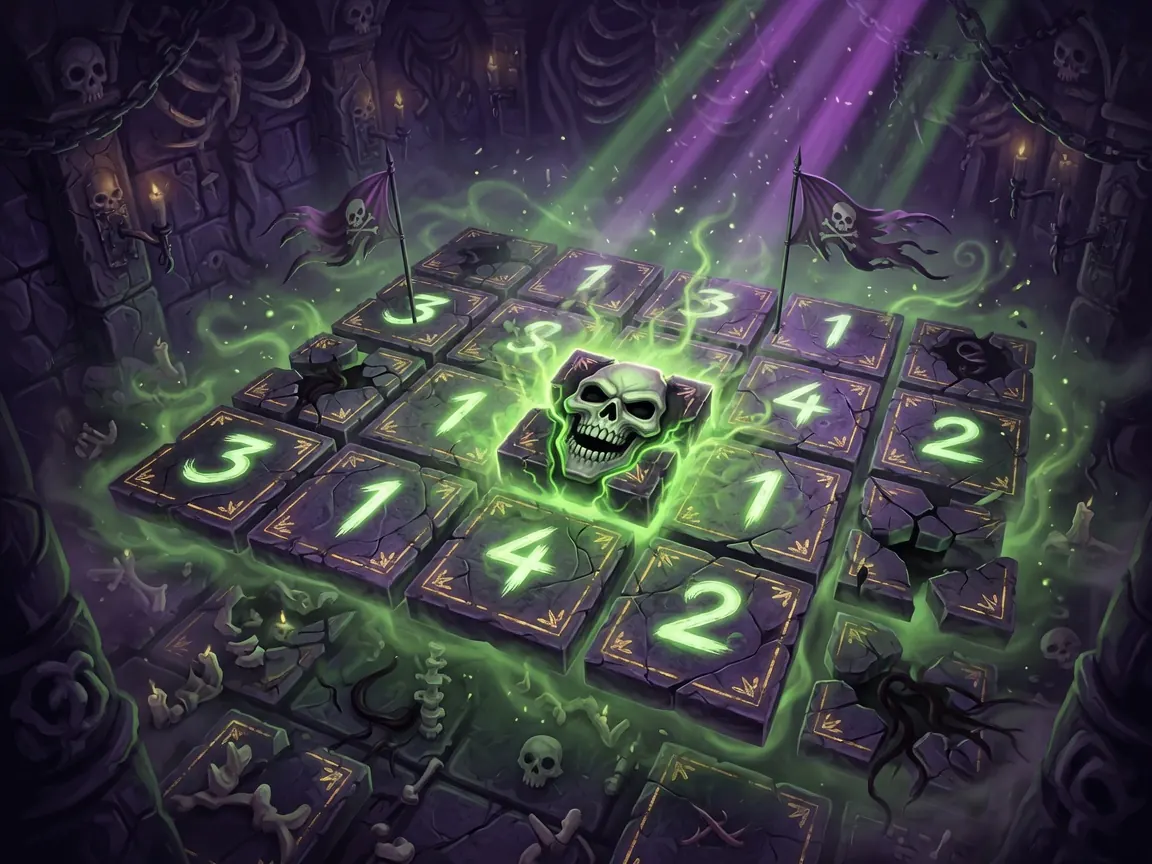
- Open safe space — Reveal tiles to expand the map and turn blank fog into readable numbers and objects.
- Read the clues — Numbers tell you how many *object* tiles sit in the neighboring cells. Those objects can be monsters, weapons, food, and other special tiles—not only “mines.”
- Flag or commit — Mark tiles you believe are dangerous (or simply want to leave closed while you plan), then open the ones your logic says are safe—or deliberately risky.
- Fight and loot — When monsters appear, use weapons and your build to survive. Collect relics, coins, weapons, and special tiles that change how later floors feel.
- Shop and reshape the deck — Between or within the run, you can buy tiles that start showing up in future dungeons. Duplicates can evolve; combinations create synergies.
- Clear and descend — Stabilize the board, survive the floor’s threats, and move on. Deeper floors raise the stakes with tougher monsters and bosses.
Each run is a different mix of careful deduction and greedy risk: the safest open is not always the strongest play, and a calculated gamble can rewrite your whole build.
How to play (first session)
- Launch on itch.io — Open Studio Ahn’s Necrosweeper page and use the in-browser play button (HTML5). Wait for the game UI to load fully before clicking around the grid.
- Check language if the UI looks wrong — Some players load into Korean by default. Open Settings (players report the control sits at the very bottom of the UI) and switch to English if needed. English and Korean are the supported languages called out by the developer.
- Start a run and learn the board — Treat the first floor as a tutorial in reverse engineering. Click/tap to reveal unexplored tiles. Empty or low-pressure areas expand your safe zone; numbered tiles become your map legend.
- Treat numbers as object counts, not pure “mine” counts — Per the developer’s clarification: a number counts nearby *object* tiles (monsters, weapons, food, and similar). Color on those numbers can shift as you identify what sits around them. If a number “looks wrong” after you found one thing nearby, check whether the color changed while the digit stayed the same—that is intentional feedback, not a broken rule.
- Flag before you guess — Use flags on tiles you do not want to open yet. Flags are both safety tools and planning markers: “this is a skull candidate,” “this is a monster I will fight after I grab a weapon,” or “leave this closed until the rest of the ring is solved.”
- Prioritize information when stuck — When two tiles look equally risky, open the one that unlocks the most new numbers or clears a choke point. Information is often worth more than a single piece of loot early on.
- Pick up weapons and relics with a plan — Weapons become hand tools for dealing with dangerous tiles and monsters. Relics and enchantments bend the rules of your tile deck. Ask: does this help me clear safely, farm gold, or snowball aggression?
- Use the shop to build a direction — Buy tiles you actually want to see again. A gold-focused path, a weapon-heavy combat path, or a chain/control path all work—mixing every shiny option usually makes floors noisier and harder to read.
- Survive, clear, descend — Finish the floor’s logic and threats, then take the next stage. Expect later floors and bosses to punish loose guessing and reward decks that create clean, repeatable setups.
Controls
Exact keybinds can change while the game is in development, so verify on the in-game UI rather than memorizing a third-party chart.
Expect a Minesweeper-style interaction model in the browser:
- Primary click / tap — Reveal a covered tile.
- Secondary click / long-press / dedicated flag control — Place or remove a flag on a suspicious tile (look for a flag mode toggle if right-click is unavailable on your device).
- On-screen buttons — Settings (including language), run UI, shop, weapon/hand cards, and other deck tools appear as labeled controls around the board.
If something does not respond, check whether you are in flag mode versus reveal mode, and whether a menu or shop panel is capturing input. Touch devices should work for core reveal/flag play; use a mouse if you want faster flagging and shop clicking.
Tips that actually help
- Learn the number–color relationship early — Digits count nearby objects; colors react to what those objects are (and what you have already identified). When a “2” feels like it should be a “1,” re-read the surrounding identified tiles before assuming the board lied.
- Solve rings, not single cells — Classic Minesweeper discipline still wins: work outward from known numbers, eliminate impossibilities, and only guess when logic is truly exhausted.
- Flag for planning, not superstition — Flag clusters so you can see “dangerous topology” at a glance. That mental map helps you decide when to grab a weapon before cracking a high-pressure corner.
- Do not open mid-fight blind spots — If a monster is live and your HP or hand is tight, stop expanding into unknown high-number zones until you stabilize. Extra reveals can spawn more problems than loot.
- Build for synergy, not inventory clutter — Shop tiles reappear later. Prefer a coherent deck (gold engines, weapon spam, chain control) over collecting one of everything. Evolution and combos reward focus.
- Match aggression to your build — Some relics and weapons want you to open aggressively and snowball. Careful exploration builds want slow information and safe edges. Playing the opposite tempo is a common silent fail.
- When unsure, open for information — The developer-facing tip holds: choose the reveal that teaches you the most about the remaining board. A slightly riskier informative open often beats a “safe-looking” dead end that leaves you guessing forever.
- Respect deeper floors as skill checks — Monsters can drain stamina, mess with tiles, or attack your hand. Bosses add pattern pressure. Enter late floors with a readable board plan and spare tools, not a full fog bank and empty weapon hand.
Common mistakes
- Playing it as pure classic Minesweeper — Treating every object like a binary mine ignores weapons, food, gold, and combat. You will flag treasure you needed and walk into fights unprepared.
- Ignoring number color changes — Players sometimes assume the game is bugged when a number’s color shifts after finding a neighbor. Re-evaluate the remaining unknown objects instead of rage-guessing.
- Rushing the first unknown tile — One wrong open can end a run. Speed is rarely the bottleneck; bad timing is.
- Shopping without a theme — A deck full of unrelated special tiles makes floors harder to parse and synergies weaker.
- Saving every flag for “real mines” only — Under-flagging leaves your eyes tracking too many identical fog tiles. Over-flagging without updating as you learn freezes your plan. Flag, then revise.
- Fighting before you have a tool — Opening a dense cluster with no weapon/relic answer turns a logic puzzle into a panic scramble.
- Skipping Settings when the UI is in Korean — Easy fix at the bottom Settings control; do not abandon the run thinking the English build is missing.
FAQ
Is Necrosweeper free? Yes on itch.io: you can play the HTML5 browser version free (donations/support may be available on the page). A fuller Steam release from Studio Ahn is listed as coming soon.
Do I need to download anything? For the itch.io web build, no install is required beyond a normal browser session. Desktop downloads, if offered later on Steam or elsewhere, will be labeled on the host page—check the play/download section before assuming a file is required.
Is it single-player? Yes. It is a single-player dungeon roguelite/puzzle hybrid: you versus the labyrinth, one risky tile at a time.
I know Minesweeper—will that help? A lot. Chord-style logic, flagging discipline, and reading density still apply. You also need roguelite habits: resource timing, build direction, and knowing when a “safe” play is weaker than a controlled risk.
Why do the numbers feel like they lie? They usually do not. The digit counts nearby object tiles; the color can change as you identify what those objects are. After a few floors, that dual signal becomes one of the game’s main skill checks.
Any beginner goal for the first run? Survive long enough to (1) correctly solve a multi-number ring without guessing, (2) flag with intent, (3) pick up at least one weapon/relic and use it on purpose, and (4) buy shop tiles that point in one direction. Depth comes after clean habits.
Play free on itch.io via /game/necrosweeper.
**Is Necrosweeper free?**
Yes on itch.io: you can play the HTML5 browser version free (donations/support may be available on the page). A fuller Steam release from Studio Ahn is listed as coming soon.
Do I need to download anything? For the itch.io web build, no install is required beyond a normal browser session. Desktop downloads, if offered later on Steam or elsewhere, will be labeled on the host page—check the play/download section before assuming a file is required.
Is it single-player? Yes. It is a single-player dungeon roguelite/puzzle hybrid: you versus the labyrinth, one risky tile at a time.
I know Minesweeper—will that help? A lot. Chord-style logic, flagging discipline, and reading density still apply. You also need roguelite habits: resource timing, build direction, and knowing when a “safe” play is weaker than a controlled risk.
Why do the numbers feel like they lie? They usually do not. The digit counts nearby object tiles; the color can change as you identify what those objects are. After a few floors, that dual signal becomes one of the game’s main skill checks.
Any beginner goal for the first run? Survive long enough to (1) correctly solve a multi-number ring without guessing, (2) flag with intent, (3) pick up at least one weapon/relic and use it on purpose, and (4) buy shop tiles that point in one direction. Depth comes after clean habits.
Play free on itch.io via /game/necrosweeper.